
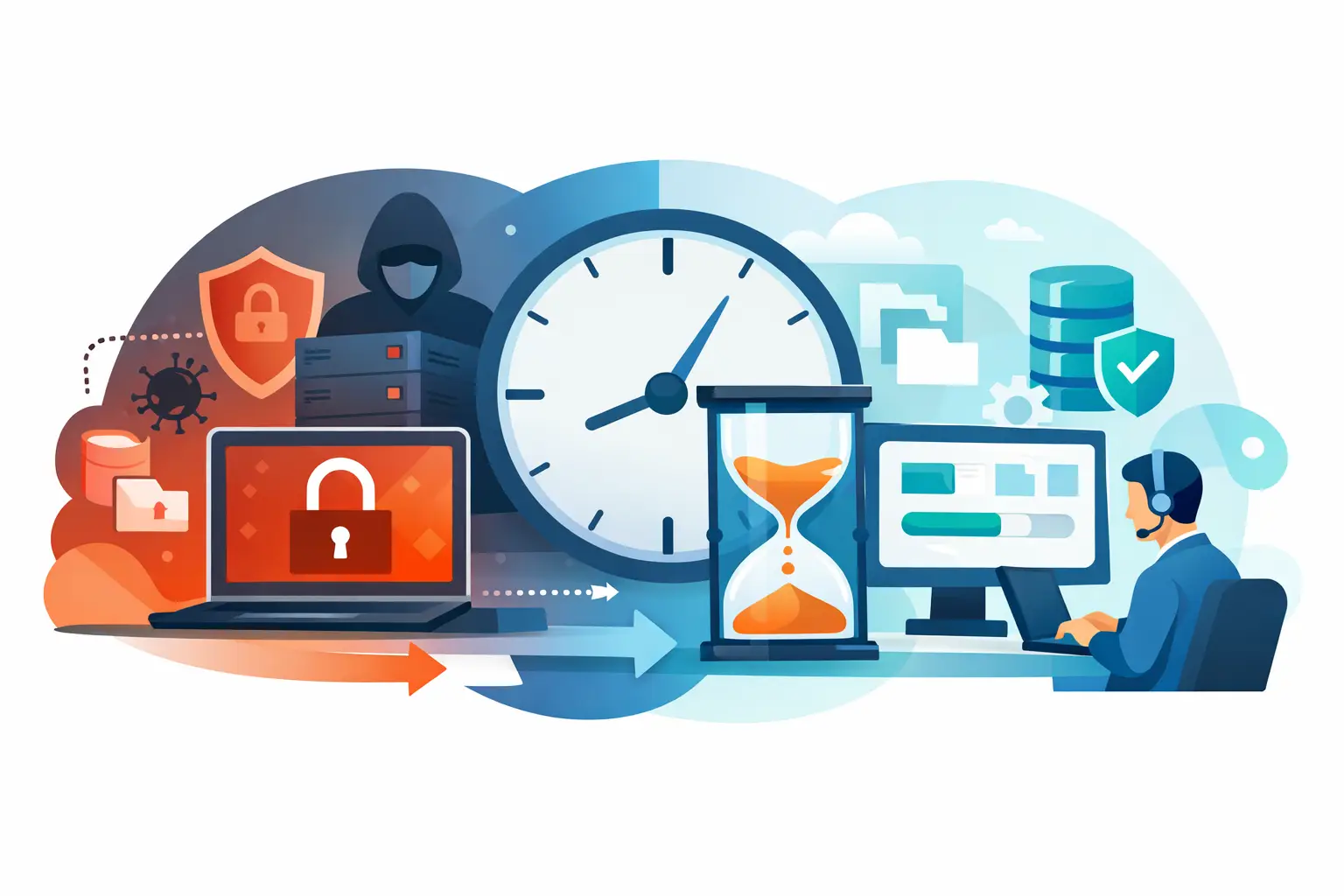
At 7:12 a.m. on a Monday, employees at a regional distribution company began seeing renamed files and ransom notes on shared folders. Within minutes, order processing slowed, warehouse staff lost access to inventory data, and leadership faced the question that matters most during an attack: how quickly can critical operations return? This ransomware recovery case study outlines a representative recovery scenario based on the controls and decisions that help businesses contain an incident and restore service without creating additional risk.
The company relied on Microsoft 365, a line-of-business order platform, file shares, warehouse workstations, and a small on-premises server environment. It had approximately 85 employees across two locations. Its operations could tolerate short delays, but not a full day without access to order, inventory, and shipping information.
This was not a recovery story built on a single backup product or a last-minute technical fix. The 18-hour return of core services depended on preparation: monitoring that identified abnormal behavior, backups that were separated from production systems, documented recovery priorities, and a disciplined response process.
What Happened During the Attack
The first alert came from endpoint security after suspicious encryption activity was detected on a user workstation. Shortly afterward, monitoring identified a sharp increase in file changes on a shared server. The user had opened a malicious attachment that bypassed initial email filtering and established access using compromised credentials.
The attacker moved laterally through shared resources and began encrypting accessible files. The activity was detected before every server and endpoint was affected, but the incident still disrupted key systems. The business had to assume that credentials, server configurations, and files within the affected environment could not be trusted.
At that point, the objective was not to make systems available as quickly as possible. It was to prevent the attack from spreading, preserve evidence, establish a clean recovery path, and restore the services the business needed first.
Ransomware Recovery Case Study: The First 90 Minutes
The response team immediately isolated affected workstations from the network. They also restricted access to file shares, disabled potentially compromised accounts, and blocked suspicious connections at the firewall. Those actions created inconvenience for users, but they limited the attacker’s ability to reach additional systems.
The team then separated recovery work from the impacted environment. This matters because restoring servers before identifying the attack path can reintroduce malware, compromised accounts, or malicious scheduled tasks into the new environment.
During the first 90 minutes, the team focused on four decisions:
- Confirm which devices and accounts showed signs of compromise.
- Protect backup repositories and verify that recovery copies were not altered or encrypted.
- Identify the applications required for shipping, inventory updates, customer communication, and financial operations.
- Establish an incident command process so leadership received clear, timed updates rather than fragmented technical messages.
The company did not attempt to bring every system back at once. That would have extended the outage and made validation harder. Instead, the recovery plan prioritized warehouse operations, order management, core communications, and secure user access.
Restoring Critical Operations in Stages
The recovery team selected a backup point from before the suspicious activity began. Before restoring, they reviewed backup integrity, scanned recovered data where appropriate, and rebuilt affected systems in a controlled sequence. The goal was a clean environment, not simply a fast copy of the old one.
The first stage restored network services needed to support authentication and secure connectivity. Privileged credentials were reset, administrator access was reviewed, and multi-factor authentication was enforced for accounts that did not already require it. The team also removed inactive accounts and verified that no unnecessary remote access paths remained open.
Next, the team restored the order and inventory systems. Warehouse staff received limited, tested access before the broader user population was reconnected. This approach allowed the company to resume shipping and receiving while technical staff continued validating other systems.
By hour 18, the business could process orders, update inventory, communicate with customers, and continue core warehouse activity. Full restoration took longer. Less critical file shares, departmental applications, and individual workstation rebuilds continued over the following days.
That distinction is operationally important. A successful recovery does not always mean every file and every device is restored immediately. It means the business can safely perform the functions that protect revenue, customer commitments, and operational continuity.
Why the Recovery Worked
Several controls made the difference between a contained event and a prolonged shutdown. The first was early detection. Endpoint alerts and infrastructure monitoring gave the team visibility while the attack was still active. Without that signal, encryption could have spread further into servers, shared storage, and backup-connected resources.
The second was backup design. The company maintained recoverable copies that were separated from daily production access. A backup is only useful if an attacker cannot easily delete, encrypt, or alter it. Recovery points also need to be tested. A backup job marked as successful does not prove that applications, permissions, and data can be restored within an acceptable timeframe.
The third was recovery prioritization. Leadership had already identified the systems that supported customer orders and warehouse operations. That reduced debate during the incident. Technical teams knew what to restore first, and business leaders understood why lower-priority services would remain unavailable temporarily.
Finally, the response had clear ownership. Security response, infrastructure recovery, user communications, and executive updates were coordinated through one operating process. Fragmented vendors and unclear responsibilities often create delays at the exact moment a business needs control.
Where the Recovery Could Have Failed
The outcome would have been very different if backups had been directly accessible from compromised administrator accounts. It also could have failed if the organization restored infected servers without changing credentials, reviewing persistence mechanisms, or closing the initial access path.
Another common issue is treating recovery as a purely technical task. During an outage, operations leaders need to know what staff can do, what customer commitments may be affected, and when the next update will arrive. Clear communication reduces confusion, prevents unsafe workarounds, and helps the organization make informed business decisions.
There are trade-offs as well. A faster restoration can mean less time spent validating systems. A more thorough rebuild can extend downtime. The right balance depends on the severity of the incident, the value of the affected systems, the quality of available backups, and any compliance or reporting obligations. In most cases, restoring an unverified environment quickly is a greater risk than taking additional time to restore it correctly.
What Businesses Should Put in Place Before an Attack
A recovery plan should be built around business operations, not just technology inventory. Start by identifying the systems that must be restored within hours, the data-loss threshold each system can tolerate, and the people authorized to make recovery decisions.
Organizations should also maintain tested backups with protected recovery copies, endpoint security with active monitoring, patching and maintenance processes, and multi-factor authentication for email, administrative accounts, and remote access. Microsoft 365 deserves specific attention because compromised email accounts are often used to spread malicious messages internally and externally.
Documented procedures matter just as much as the tools. Teams should know who isolates devices, who validates backups, who communicates with employees, and who approves restoration milestones. A tabletop exercise can expose gaps before a real incident turns those gaps into downtime.
For businesses without dedicated internal security and infrastructure teams, a managed IT partner can provide the continuous monitoring, backup oversight, endpoint protection, and incident coordination needed to keep recovery organized. One Source Datacom approaches these services as part of a structured operational model, because security controls and business continuity work best when they are managed together.
The practical next step is not to wait for an alert. Review whether your critical systems can be restored from clean backups, determine how long that restoration would actually take, and make sure the people responsible for the response have a clear plan before the next business day begins.