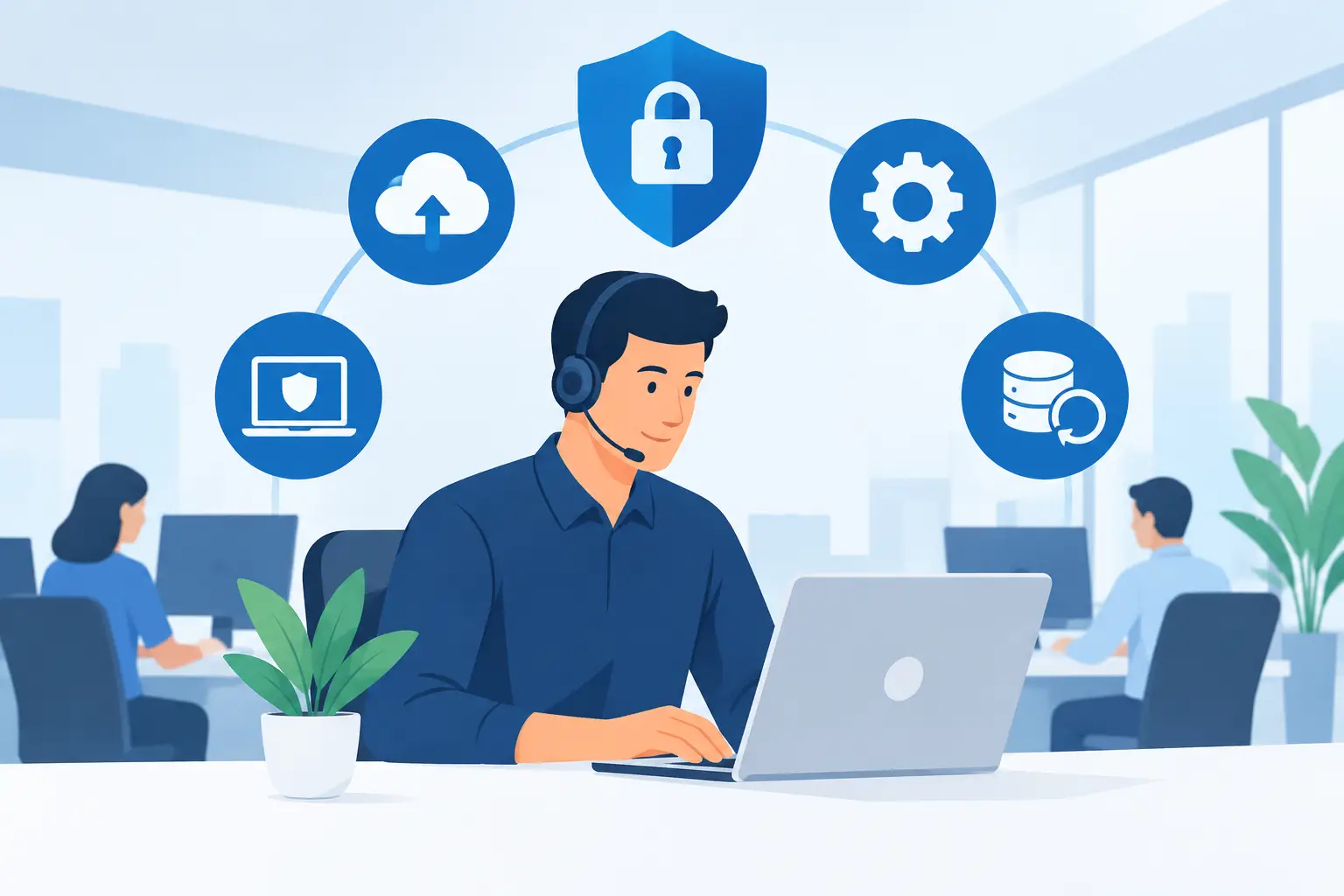
A server running out of disk space, an expired Microsoft 365 account, or an unpatched laptop can interrupt operations long before a user reports a problem. That is why business leaders ask, what does proactive IT support include? The practical answer is ongoing oversight of the systems, people, and security controls your organization relies on every day.
Proactive IT support is not a promise that nothing will ever fail. Hardware ages, users make mistakes, and threats change. It is a structured service model designed to identify warning signs early, reduce avoidable incidents, and respond quickly when an issue still requires attention. For businesses that cannot afford repeated outages or unclear ownership, that difference matters.
What Does Proactive IT Support Include?
The exact scope depends on the provider, the age and complexity of your environment, and whether you need specialized compliance or security services. A well-managed program, however, should cover the core systems that keep employees productive and business data protected.
24/7 monitoring and alerting
Proactive support begins with visibility. Monitoring tools track the health and availability of servers, workstations, network equipment, internet connections, backups, and other critical infrastructure. They watch for conditions such as failed services, high processor use, low storage capacity, offline devices, and unusual network activity.
Alerts allow technicians to investigate before a small condition becomes a user-facing outage. For example, a failing drive may be replaced before it causes a server failure, or a storage issue can be corrected before it prevents applications from running. Not every device requires the same level of monitoring, so the right approach prioritizes systems that have the greatest operational impact.
Helpdesk and remote user support
Even a well-maintained IT environment needs responsive support for people. Users may have trouble accessing files, connecting to a printer, using Microsoft 365 applications, resetting credentials, or working from a remote location. Proactive IT support includes a clear process for handling those issues quickly and documenting recurring problems.
Remote support resolves many incidents without waiting for an on-site visit. When an issue requires hands-on work, the provider should coordinate the next step, communicate the business impact, and keep ownership of the resolution. The goal is not simply to close tickets. It is to restore productive work with minimal disruption.
Patch management and routine maintenance
Software updates address security flaws, improve stability, and maintain compatibility with business applications. Yet applying every update immediately without testing can create problems of its own. Effective patch management follows a controlled process: identify updates, assess their relevance, schedule deployment, confirm successful installation, and address exceptions.
This includes operating systems, common business software, endpoint tools, and network device firmware where appropriate. Regular maintenance also covers tasks such as reviewing storage use, checking system logs, validating antivirus status, and removing outdated software. These routine actions are easy to postpone internally, but missed maintenance creates risk over time.
Endpoint security and identity protection
Every laptop, desktop, mobile device, and user account can become an entry point for an attacker. Proactive IT support should include endpoint protection, policy management, and attention to account security. That commonly means managed antivirus or endpoint detection tools, device health checks, encryption where required, and controls for lost or retired equipment.
Identity protection is equally important. Strong passwords, multifactor authentication, user access reviews, and secure onboarding and offboarding reduce the chance that a compromised or former employee account can be used to access company resources. Security tools provide value only when someone is accountable for reviewing alerts and acting on meaningful findings.
Backup and disaster recovery are active responsibilities
A backup is not a recovery plan simply because files are being copied somewhere. Proactive support includes monitoring backup jobs, investigating failures, confirming retention settings, and testing whether data can actually be restored. This applies to servers, critical applications, cloud data, and Microsoft 365 information based on the organization’s recovery needs.
Disaster recovery planning goes further. It establishes priorities for restoring operations after ransomware, hardware failure, a site outage, or another major interruption. Leaders should know which systems must return first, how long recovery may take, and who is responsible for coordinating the response.
The trade-off is cost and complexity. A small business may need reliable file and cloud backup with documented recovery procedures, while a multi-site operation may require redundant infrastructure, faster recovery targets, and a more detailed continuity plan. The right design aligns protection with the real cost of downtime.
Microsoft 365 and cloud administration
For many organizations, Microsoft 365 is core business infrastructure, not just an email platform. Proactive management includes user provisioning, license oversight, mailbox configuration, access controls, multifactor authentication, security settings, and support for collaboration tools such as Teams and SharePoint.
Consistent administration prevents common problems: departed employees retaining access, unused licenses adding cost, sensitive files shared too broadly, or new users waiting days for the tools they need. It also creates a more disciplined approach to cloud services, where settings and permissions can change quickly without centralized oversight.
Documentation and asset management
A managed IT partner needs an accurate record of what it supports. Documentation typically includes device inventories, network details, software records, administrative access procedures, warranty information, and recovery contacts. This information reduces delays during incidents and makes planned changes safer.
Asset management also supports budgeting. When you know which laptops are aging, which servers are approaching end of life, and which software subscriptions are underused, technology decisions become more predictable. Instead of reacting to a surprise hardware failure, leadership can plan replacements around business priorities.
Security review and incident response
Proactive support should include regular review of security posture, not just installation of security software. Technicians may assess patch status, endpoint coverage, risky account settings, exposed services, backup health, and phishing-related concerns. The findings should be translated into clear actions rather than delivered as an unread technical report.
When a suspicious event occurs, a defined incident response process helps contain the problem. Depending on the service agreement, this may involve isolating a device, resetting credentials, reviewing logs, notifying stakeholders, and coordinating recovery. Organizations with higher risk profiles may add Security Operations Center support, managed detection and response, or compliance-focused security services for deeper oversight.
Strategic planning keeps IT from becoming a series of emergencies
Day-to-day support is necessary, but it is not enough on its own. Proactive IT support includes regular conversations about upcoming needs, technology risks, lifecycle planning, and operational changes. Opening a new location, moving an application to the cloud, supporting more remote workers, or meeting a customer security requirement all affect the IT environment.
A capable provider helps leaders make these decisions with realistic trade-offs in view. The lowest-cost option may increase recovery time. The fastest deployment may require more management overhead. A clear plan identifies where investment will reduce downtime, improve security, or remove unnecessary complexity.
What proactive support does not automatically include
Businesses should review service agreements carefully. Some providers include standard monitoring, helpdesk coverage, patching, endpoint security, and backup oversight, while treating major projects, after-hours remediation, hardware purchases, compliance work, or advanced threat response as separate services.
That is not necessarily a problem. Specialized needs often require a different level of staffing and tooling. What matters is clarity: your organization should understand what is covered, what triggers additional charges, how urgent issues are prioritized, and who owns communication during an incident.
For businesses that depend on stable systems, proactive IT support is operational discipline applied to technology. One Source Datacom helps organizations put that discipline in place through continuous oversight, responsive support, and clear accountability. The next useful step is to identify the systems your team cannot operate without, then confirm that each one has monitoring, security controls, recoverable backups, and a defined owner.