
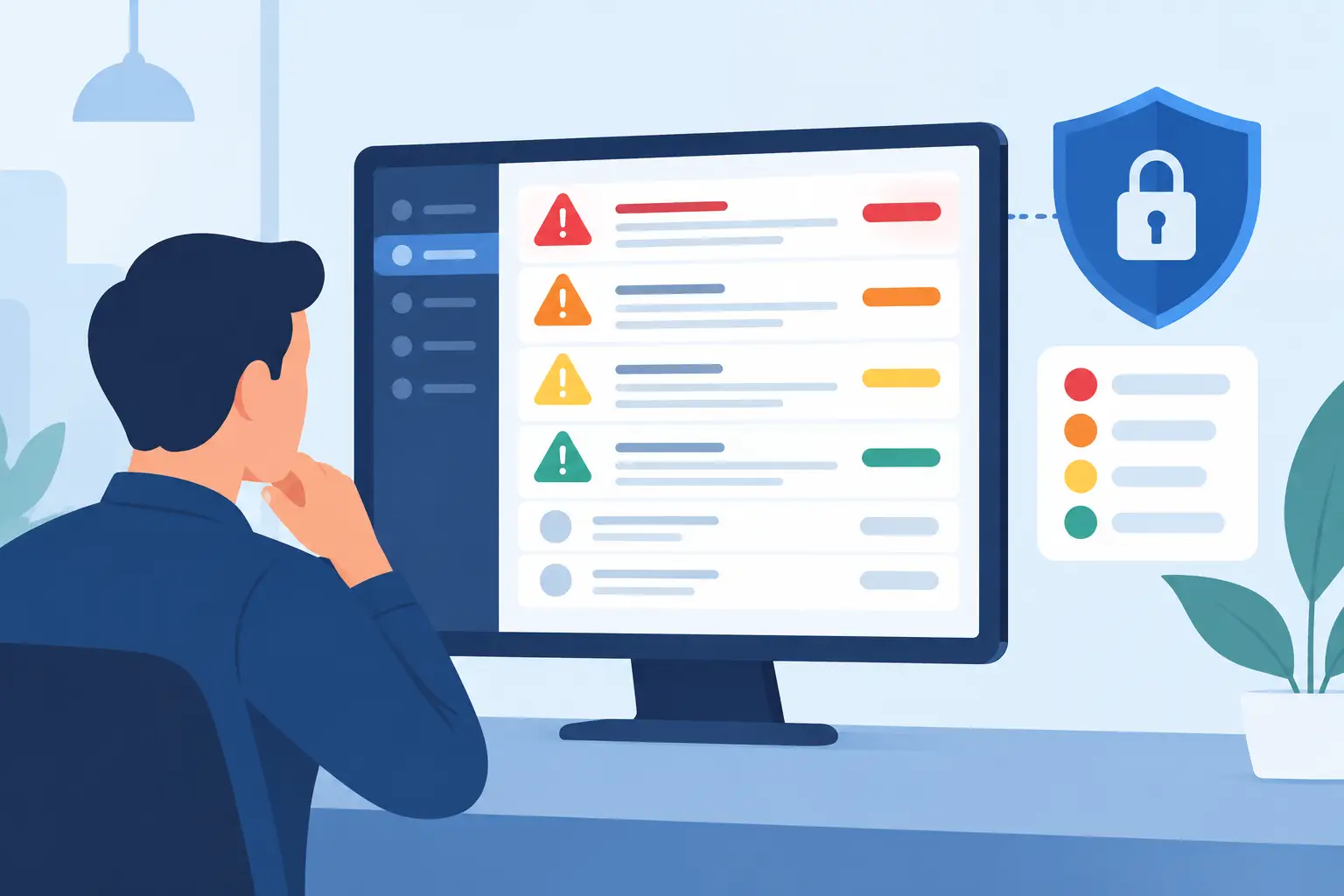
A backup job can fail without stopping work. A failed login pattern on an executive’s Microsoft 365 account may signal an active takeover. Both can create alerts, but they do not deserve the same response. Knowing how to prioritize IT alerts is what separates a controlled IT operation from a team that spends its day reacting to noise.
For businesses that depend on cloud services, endpoints, servers, line-of-business applications, and multiple locations, alert volume grows quickly. Monitoring tools are designed to report conditions. They do not automatically understand which conditions threaten revenue, security, compliance, or daily operations. That judgment needs a clear process.
Start With Business Impact, Not Alert Volume
The loudest alert is not always the most urgent one. A CPU threshold warning on a noncritical system may be worth watching, while a connectivity failure at a site that processes orders may require immediate escalation.
Priority should begin with the affected business service. Identify which systems support revenue, customer service, communication, operations, and regulatory obligations. A meaningful alert process connects technical assets to those services. When an alert arrives, the first question should be: what business function is at risk if this condition continues?
For example, a single failed backup notification may be a lower priority when the prior backup is verified and the issue is limited to one file set. A complete backup failure across critical servers is different. The risk increases because recovery options are shrinking, even if users have not yet noticed a problem.
This approach prevents a common mistake: treating every critical label from a tool as a critical business event. Vendor-defined severity is useful context, but it should not be the final decision.
How to Prioritize IT Alerts Using Three Factors
A practical prioritization model weighs three factors together: business impact, security risk, and time sensitivity. This gives internal IT teams and managed service providers a consistent basis for action.
Business impact
Assess the number of users, departments, sites, or customers affected. Also consider whether the service is essential to daily work. An outage affecting a shared file platform, Microsoft 365 email, an internet circuit, or a production application deserves more attention than an issue isolated to a spare device.
Impact is not only about scale. A problem affecting one user may still be urgent if that person performs a time-sensitive function, such as payroll approval, dispatch, financial processing, or executive communication.
Security risk
Security alerts should be evaluated for signs of compromise, not simply for their technical category. Repeated failed sign-ins, impossible travel activity, disabled endpoint protection, new administrative accounts, unusual data movement, and ransomware indicators can all require rapid investigation.
Context matters. A blocked malicious email is evidence that a control worked and may only require review. Malware detected on an endpoint that was not quarantined, especially if it has access to shared data, is a higher-priority event. The difference is exposure: has the threat been contained, or can it still spread?
Time sensitivity
Some conditions become more damaging the longer they remain unresolved. A storage volume at 90 percent capacity might be monitored during business hours. The same system at 99 percent capacity, supporting a database or backup repository, can become an immediate operational risk.
Time sensitivity also applies to security. A suspicious login alert during an active session requires faster action than a historical login anomaly that has already been reviewed and blocked. Prioritization should reflect the window available to prevent harm.
Define Priority Levels Your Team Can Operate
An alert framework only works if it leads to clear action. Most businesses benefit from four operational levels: critical, high, medium, and low. The labels matter less than the response rules behind them.
Critical alerts indicate an active outage, confirmed or likely security incident, or imminent failure of a business-critical system. Examples include a ransomware detection with active file encryption, a primary internet outage at a key location, a failed core server, or a confirmed unauthorized administrator account. These events require immediate triage, ownership, and escalation.
High alerts affect important systems or indicate a credible risk that could become disruptive. This may include a failed backup for a critical workload, an endpoint with disabled protection, a server approaching capacity, or repeated suspicious sign-in attempts. These should be addressed quickly within defined service targets.
Medium alerts need investigation but do not currently threaten continuity. A recurring application error, a failed patch on a noncritical workstation, or a performance issue with a workaround available may fall into this category.
Low alerts are informational or maintenance-related. They can be reviewed in scheduled operational work, provided they are not part of a pattern. A low-priority event that repeats every day may point to a configuration problem worth correcting.
The key is documenting examples that fit your environment. A multi-site healthcare office, a manufacturer, and a professional services firm will not rank every event the same way. Their essential systems, compliance responsibilities, and acceptable downtime differ.
Reduce Noise Before It Reaches the Escalation Queue
Alert fatigue is an operational risk. When teams receive too many duplicate, transient, or nonactionable notifications, real threats can be missed. The answer is not to suppress alerts broadly. It is to tune monitoring with discipline.
Start by reviewing alerts that repeatedly close without intervention. Determine whether the threshold is too sensitive, the condition is expected, or the tool is reporting multiple notifications for one underlying problem. A network interruption should not create dozens of separate tickets if one root cause explains them all.
Use dependency-aware monitoring where possible. If a core switch fails, downstream devices may appear offline. The priority is restoring or investigating the switch, not assigning individual incidents to every affected workstation and printer. Correlating related alerts helps the team focus on the failure that matters.
Maintenance windows also need clear handling. Planned patching, server restarts, and application updates can create legitimate alerts. Suppressing notifications during approved windows is appropriate, but monitoring should resume automatically afterward. An open-ended suppression rule can hide a real failure.
Build Escalation Rules Around Ownership and Response Time
A prioritized alert with no owner is still a risk. Each priority level should define who receives the alert, how quickly they acknowledge it, what first actions they take, and when leadership or a third-party vendor is involved.
For critical incidents, the process should include active communication. Business leaders need to know what service is affected, what is being done, what workaround exists, and when the next update will be provided. They do not need a stream of unfiltered technical logs.
For high and medium events, escalation may be based on elapsed time or failed remediation. If a backup issue cannot be corrected remotely, for example, it may require vendor support or onsite service before the next backup window. Defined handoffs prevent issues from lingering between teams.
This is where 24/7 monitoring delivers value beyond collecting notifications. A disciplined operations process identifies the alert, confirms its relevance, applies the right response, and ensures accountability through resolution.
Review Alert Data to Improve the Environment
Prioritization is not a one-time configuration task. Monthly review of alert trends can expose weaknesses before they become outages. Look for recurring patch failures, unstable internet links, devices repeatedly losing endpoint protection, storage growth, backup exceptions, and sign-in activity that does not match normal business patterns.
These trends help distinguish isolated events from systemic problems. If the same server generates capacity alerts every month, clearing space is only a temporary fix. The real decision may involve storage expansion, application cleanup, archive policies, or a change in backup retention.
Metrics should also measure operations, not just tool activity. Useful indicators include critical alert response time, time to resolution, backup success rates, unresolved high-priority alerts, recurring incident categories, and endpoint security coverage. These measures give decision-makers a clearer view of infrastructure health and service risk.
Keep the Process Aligned With Business Change
New locations, acquisitions, remote users, cloud migrations, and new applications all change what should be monitored and how alerts should be ranked. A system that was once noncritical may become essential after a workflow change. Similarly, retired assets should be removed from monitoring so they do not add noise.
Review the alert matrix whenever business priorities change. Include IT, operations, and department leaders in that discussion. IT can explain the technical dependencies, while business owners can define the real cost of downtime and the acceptable response window.
The goal is not to respond urgently to everything. It is to ensure the right people act quickly when uptime, security, or recoverability is truly at risk. A well-prioritized alert program gives your organization a calmer, more accountable way to protect the systems it depends on.