
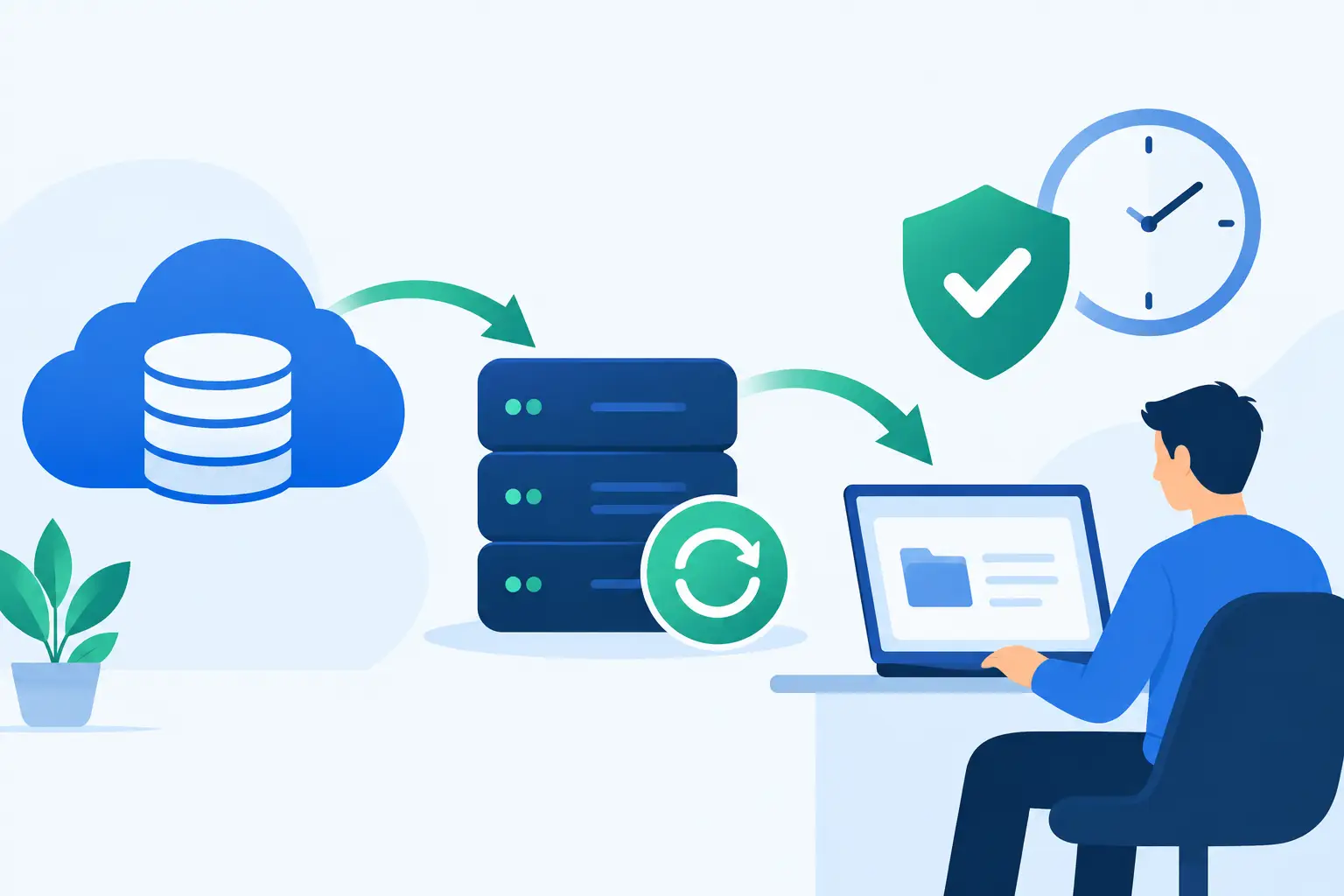
A backup restoration example is most useful when it reflects the pressure of a real outage: employees cannot access files, a line-of-business application is down, and leadership needs a reliable answer to one question: when will operations resume? Backups are only valuable when they can be restored accurately, securely, and within a recovery window the business can accept.
For organizations that depend on Microsoft 365, servers, endpoints, cloud applications, and shared data, recovery planning cannot end with a successful backup report. The process must account for what was affected, which recovery point is safe, how systems will be brought back online, and how the restored environment will be validated before users return to work.
A Backup Restoration Example: Recovering From Ransomware
Consider a 75-person professional services firm with a file server, a financial application server, Microsoft 365, and a mix of office and remote endpoints. The firm maintains daily image backups of its servers, frequent file-level backups for active data, and separate protection for Microsoft 365 mailboxes and SharePoint data. Backups are retained in an offsite, access-controlled repository that is separate from the production network.
On a Tuesday morning, users report that shared folders are unavailable. The IT team finds encrypted files, suspicious login activity, and a ransomware note on the file server. The financial application is not yet encrypted, but it relies on data stored on the affected server. At this point, restoring immediately would be a mistake. The team first needs to contain the incident and identify a clean recovery point.
Step 1: Contain the Incident Before Restoring
The affected server is isolated from the network, and compromised user accounts are disabled or reset. Remote access sessions are reviewed, endpoint security alerts are collected, and network activity is checked for signs that the attacker reached other systems.
This step protects the restoration effort. If the original attack path remains open, restored data can be encrypted again before the business has a chance to recover. Containment also helps determine whether the incident is limited to one server or requires a broader recovery plan.
For this firm, the investigation confirms that the file server was compromised overnight. The financial application server shows no evidence of encryption or unauthorized changes. That distinction matters because it avoids unnecessary downtime. The team can focus recovery efforts on the affected infrastructure while continuing to monitor related systems.
Step 2: Select a Clean Recovery Point
The backup console shows multiple restore points from the previous night and earlier in the week. The latest backup finished at 11:30 p.m., but unusual account activity began at approximately 9:00 p.m. Restoring the most recent backup could reintroduce encrypted files or malicious changes.
The team selects a restore point from 6:00 p.m., before the suspicious activity began. This creates a recovery point objective, or RPO, of roughly three hours. The business may need to recreate several hours of work, but it receives a known-clean version of the shared data.
There is always a trade-off here. An older restore point may be safer, but it creates more data loss. A newer point reduces lost work but may carry more risk. The right choice depends on the evidence available, the quality of monitoring records, and the business impact of missing data. A documented decision process prevents that call from becoming guesswork during an incident.
Step 3: Restore to an Isolated Environment First
Rather than restoring the backup directly onto the production file server, the team restores it into an isolated recovery environment. They scan the restored files, verify file integrity, inspect key folders, and confirm that the operating system and applications are functioning as expected.
This validation stage is where a backup becomes a recovery process. A completed restore job does not prove that users can open the files they need, that permissions are correct, or that applications can access their data. The recovery team tests representative documents, maps shared folders, checks security groups, and verifies that critical application connections are intact.
In this example, the restored file data is clean. However, one departmental folder has incorrect permissions because a recent access-control change occurred after the selected restore point. The team corrects the permissions from documented configurations before moving the server back into production. Finding this issue in isolation prevents a second disruption after users reconnect.
Bringing Business Systems Back Online
Once the restore is approved, the recovered server is introduced back into the production environment. Endpoint security protection is confirmed, all critical patches are reviewed, administrative credentials are rotated, and monitoring alerts are enabled before users receive access.
The recovery team then follows a prioritized sequence. Finance and operations teams receive access first because their work supports billing, payroll, and client service. Department leaders validate their highest-value files and report any missing content. The helpdesk tracks requests centrally rather than allowing informal workarounds that can create version conflicts or security gaps.
The firm’s recovery time objective, or RTO, was eight hours for shared file services. The system is restored and validated in just under six hours. The business loses several hours of file changes, but it avoids a multi-day outage and preserves the integrity of its financial systems.
The final step is not simply declaring the incident closed. The team documents the timeline, the selected restore point, the data that required recreation, and the controls that will reduce the chance of recurrence. In this case, those actions include stronger multifactor authentication, tighter remote access policies, improved alerting for abnormal file activity, and more frequent backup snapshots for high-change folders.
What This Example Reveals About Backup Readiness
A successful recovery depends on more than storage capacity. Businesses need backup coverage that matches their actual environment, including servers, endpoints, cloud data, virtual machines, and SaaS platforms where appropriate. They also need clear ownership. During an outage, someone must be responsible for containment, recovery decisions, user communications, validation, and ongoing monitoring.
The quality of a restoration also depends on whether backups are protected from the same event that affects production. If backup storage is reachable using compromised administrative credentials, ransomware can target the copies intended for recovery. Segmented access, separate credentials, immutable backup options, and offsite retention help reduce that exposure.
Testing is equally important. Many organizations discover gaps only when they need a restore: a backup excluded a critical folder, an application database was not captured consistently, a restore took longer than expected, or no one knew which systems should be recovered first. Routine testing turns these unknowns into manageable operational work.
A practical testing schedule should include both small and large recoveries. File-level tests confirm that individual documents and folders can be retrieved quickly. Server or virtual machine recovery tests verify that operating systems, applications, and data work together. Periodic disaster recovery exercises test the broader question of whether the business can operate if an office, server room, or primary environment is unavailable.
Recovery Plans Must Match Business Priorities
Not every system needs the same recovery target. A marketing archive may tolerate a next-day restore. An accounting system during payroll processing may not. A customer-facing platform or production database may require far shorter recovery times and more frequent backups.
That is why business leaders should define priorities before an incident. Identify the systems that support revenue, compliance, customer commitments, communications, and essential internal operations. Establish an acceptable RTO and RPO for each category, then confirm that the backup design can realistically meet those requirements.
Managed oversight strengthens this process because backups, security alerts, patching, user access, and recovery procedures are not treated as separate tasks. They are part of the same operational discipline. One Source Datacom helps businesses maintain that discipline through proactive monitoring, security controls, backup management, and tested recovery planning.
The most useful next step is to ask a direct question: if a critical server failed or data were encrypted this afternoon, which clean copy would be restored, who would approve it, and how long would the business be without service? A clear answer is the foundation of business continuity.