
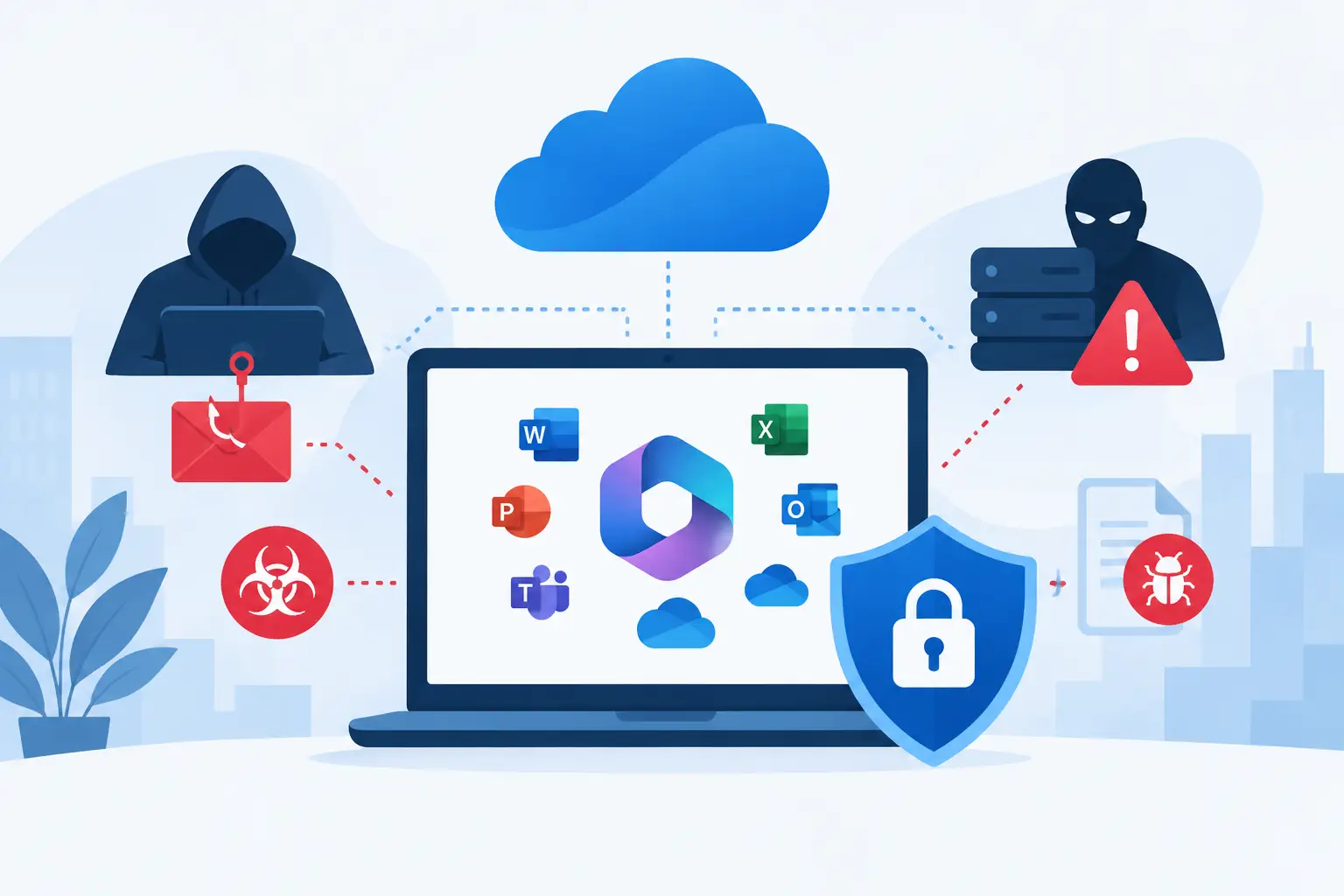
A fraudulent Microsoft 365 sign-in page can look nearly identical to the real thing. An employee enters their password, completes a legitimate-looking multifactor authentication prompt, and an attacker gains access without ever deploying malware. That is the reality behind many emerging threats to Microsoft 365: they target identities, trusted workflows, and the gaps between security tools and day-to-day operations.
For businesses that rely on email, Teams, SharePoint, OneDrive, and cloud-based collaboration to operate, a compromised account is not a minor inconvenience. It can expose financial information, interrupt communications, create fraudulent payments, and give attackers a path into connected systems. Effective protection requires more than turning on a few security settings. It requires continuous oversight of users, devices, access policies, and unusual activity.
Why Microsoft 365 Has Become a Primary Target
Microsoft 365 is central to how many businesses communicate and store information. It contains email conversations, files, calendars, contacts, client records, invoices, and internal documentation. It also connects to third-party applications, mobile devices, and business workflows. That concentration of access makes a single identity highly valuable.
Attackers are also adapting their methods. Rather than relying only on obvious spam or broad ransomware campaigns, they are using targeted social engineering, stolen browser sessions, malicious cloud applications, and legitimate administrative tools. Their goal is often to blend into normal activity long enough to steal data, redirect payments, or establish persistent access.
The risk varies by organization. A company with a small remote workforce may be most exposed to unmanaged devices and weak sign-in controls. A multi-site business may have greater risk from inconsistent user provisioning, shared accounts, or poorly documented administrator access. The common issue is not Microsoft 365 itself. It is the lack of disciplined management around the environment.
Emerging Threats to Microsoft 365 That Need Attention
Adversary-in-the-middle phishing
Traditional phishing attempts try to steal a username and password. Adversary-in-the-middle attacks go further. The attacker places a fake sign-in experience between the user and the real Microsoft service, capturing credentials and session tokens as the user authenticates.
This can allow an attacker to bypass certain forms of multifactor authentication because they are using a valid, authenticated session. They may then access the mailbox, set forwarding rules, search for payment conversations, or impersonate the employee. Password resets alone may not remove the threat if session tokens and connected applications are not reviewed.
Phishing-resistant multifactor authentication, conditional access policies, and fast investigation of suspicious sign-ins reduce this risk. User awareness still matters, but businesses should not expect employees to be the only control standing between an attacker and a financial loss.
Business email compromise enhanced by AI
Business email compromise has long depended on timing, impersonation, and trust. Generative AI makes it easier for criminals to produce convincing messages with fewer grammar errors, a more natural tone, and content tailored to a company or employee role.
An attacker may compromise a vendor mailbox, observe ongoing conversations, and insert a believable request to change banking details. In other cases, they impersonate an executive or accounting contact and create urgency around a wire transfer, payroll update, or gift card purchase. The message may not contain malware or a suspicious attachment, which means basic email filtering may not stop it.
Strong payment verification procedures are as important as technical controls. Any request to change payment instructions should be confirmed through a known phone number or established contact method, not by replying to the email thread. Mailbox monitoring, anti-phishing protections, and external sender labeling provide additional layers of defense.
OAuth consent and malicious cloud applications
Microsoft 365 users routinely authorize applications to access calendars, email, files, or profile data. This is useful when the application is legitimate and necessary. It becomes dangerous when an employee grants access to a malicious or unvetted application after being tricked by a consent prompt.
Unlike a stolen password, malicious OAuth access can persist even after credentials are changed. The application may retain permission to read mail or files until an administrator identifies and revokes it. Attackers use this approach because it can appear as an approved cloud connection rather than a suspicious login.
Organizations need a controlled process for approving third-party applications. Administrators should limit user consent where appropriate, review enterprise applications regularly, and investigate new or unusual permissions. The trade-off is convenience: overly restrictive controls can slow legitimate work. A clear approval path keeps productivity moving without leaving access decisions entirely to individual users.
MFA fatigue and helpdesk social engineering
Multifactor authentication is essential, but push notifications can be abused. In an MFA fatigue attack, a criminal repeatedly sends authentication prompts in the hope that a user eventually approves one to stop the alerts. The attacker may follow up with a phone call or text message posing as IT support to make the request sound legitimate.
Helpdesk impersonation is particularly effective when employee support processes are informal. Attackers may claim a user is locked out, an executive needs urgent access, or a device must be re-enrolled. If identity verification is inconsistent, they can convince support personnel to reset passwords or change MFA methods.
Number matching, phishing-resistant authentication methods, and documented helpdesk verification procedures help close this gap. Employees should know that IT staff will not ask them to approve an unexpected sign-in request. Support teams should have clear escalation rules for password resets, MFA changes, and privileged account requests.
Privileged account exposure
Not all Microsoft 365 accounts carry the same risk. Global administrators, Exchange administrators, SharePoint administrators, and accounts with security roles can make tenant-wide changes. If one is compromised, an attacker may create new accounts, weaken security policies, access mailboxes, or alter retention settings.
Administrative access should be separated from ordinary user activity. Staff who administer Microsoft 365 should use dedicated admin accounts, apply stronger authentication requirements, and avoid using those accounts for email and web browsing. Privileged roles should be limited, reviewed, and assigned only for the time needed when possible.
This is an area where convenience can create long-term exposure. Giving broad administrative rights to solve a short-term issue is easy. Removing those rights later is often overlooked. A regular access review turns that oversight into a controlled operational process.
The Operational Risk Behind a Compromised Tenant
A Microsoft 365 incident does not always begin with visible downtime. An attacker may quietly read mail, copy files, create forwarding rules, or monitor invoices for weeks. By the time fraud is discovered, the business may be dealing with legal exposure, customer notifications, payment disputes, and internal disruption.
Ransomware can also involve Microsoft 365 data. If attackers gain access to OneDrive or SharePoint, they may encrypt, delete, or exfiltrate files. Native retention and recovery features can help, but they are not a substitute for a tested backup and recovery strategy. Recovery requirements depend on the business, the data involved, and how quickly operations must resume.
The response must be coordinated. IT needs to contain access, revoke tokens, preserve evidence, review mail rules and applications, reset credentials where necessary, and verify that devices are not also compromised. Leadership needs clear information about business impact and next steps. Fragmented support arrangements make those first hours harder than they need to be.
Controls That Reduce Microsoft 365 Risk
Protection starts with identity security. Enforce multifactor authentication for all users, require stronger methods for administrators, and use conditional access policies to challenge or block risky sign-ins. Disable legacy authentication where it is not required, and closely manage exceptions.
Email protections should include anti-phishing policies, spoofing controls, external sender identification, and monitoring for mailbox forwarding rules. These controls work best when paired with financial verification procedures and recurring security awareness training based on current attack methods rather than generic compliance material.
Device and endpoint management matter because an authenticated Microsoft 365 session is only as trustworthy as the device using it. Keep operating systems and applications patched, deploy endpoint security, encrypt business devices, and establish a process for removing access when equipment is lost, replaced, or no longer in use.
Finally, monitor the environment. Review sign-in activity, risky users, administrator changes, new application consents, mailbox rules, and unusual file activity. Automated alerts are useful, but alerts without ownership create noise. Someone must be responsible for triage, investigation, and documented remediation.
Build Accountability Into Microsoft 365 Security
Microsoft 365 security is not a one-time configuration project. Employees change roles, devices are added, applications connect, and attackers adjust their techniques. The right approach is a managed operating model that combines policy management, monitoring, support, patching, endpoint controls, backup planning, and incident response.
One Source Datacom helps businesses bring those responsibilities under a single accountable IT partner, so security issues are handled as operational risks rather than isolated technical tickets. The practical next step is to assess who has access to your tenant, how that access is protected, and whether anyone is actively reviewing the warning signs that matter.
A well-managed Microsoft 365 environment gives your team room to work without making trust the only security control. Start with visibility, assign clear ownership, and address the gaps before an attacker turns routine collaboration into business disruption.