
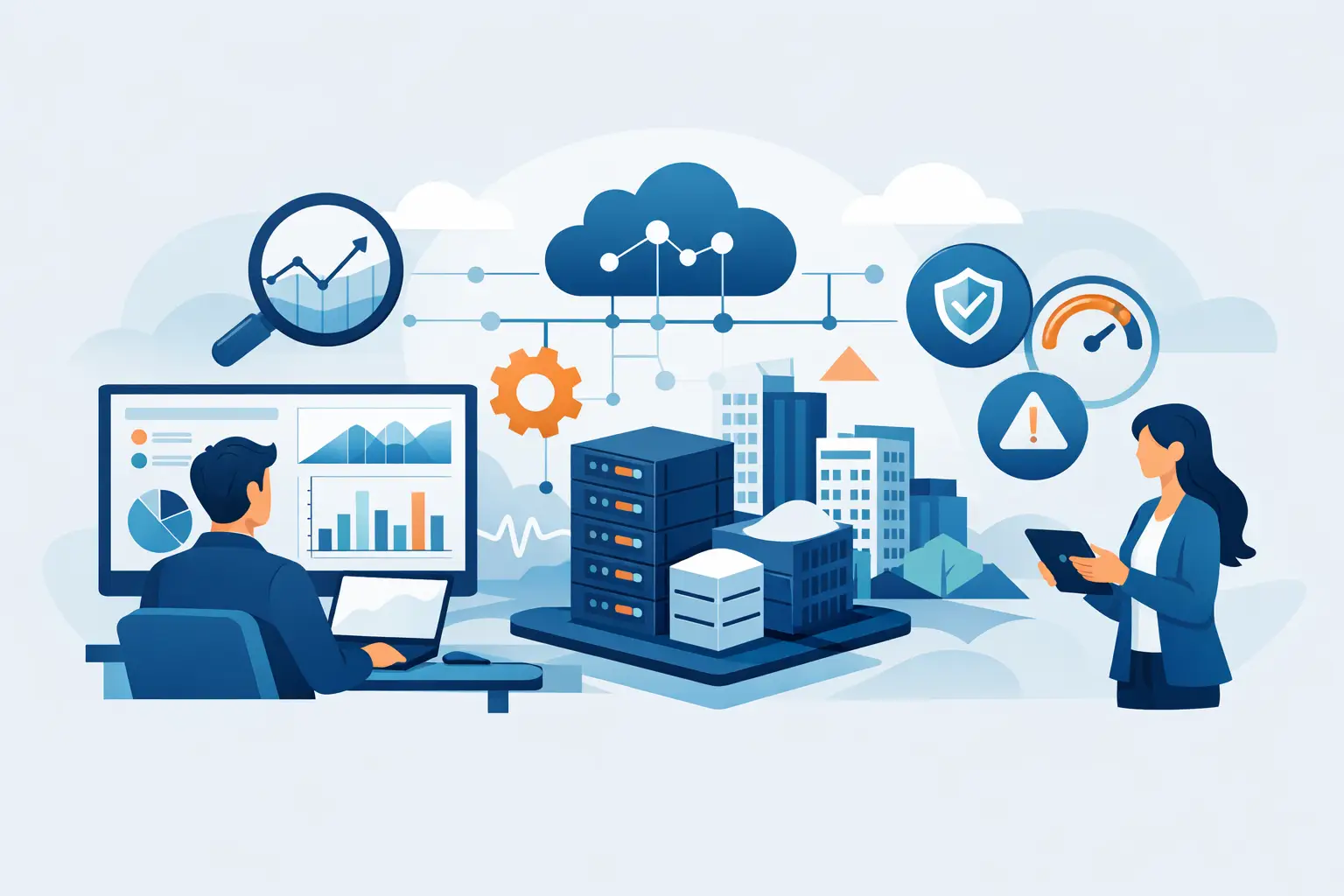
A server can appear healthy while a backup has failed for three days. Microsoft 365 can be available while a compromised user account is forwarding invoices outside the company. That is why learning how to monitor business infrastructure means more than checking whether systems are online. It means building continuous visibility into the services, devices, accounts, and recovery processes your business relies on to operate.
For businesses with limited tolerance for downtime, monitoring should provide early warning, clear ownership, and a defined response. The goal is not to produce more alerts. The goal is to find issues before they interrupt users, expose data, or create an expensive recovery event.
Start With the Business Services That Cannot Fail
Effective infrastructure monitoring starts with priorities, not tools. List the business functions that would stop work if they became unavailable: line-of-business applications, internet connections, cloud file access, email, phones, servers, remote access, and backup systems. Then identify the technology components that support each one.
This step matters because not every alert deserves the same urgency. A storage threshold on a test device may be routine. A failed backup for a financial system or an outage at a multi-site firewall requires immediate attention. Monitoring should reflect the actual impact of each system on operations.
For each critical service, document who owns it, what normal performance looks like, what dependencies it has, and how long the business can operate without it. This creates practical recovery objectives and prevents teams from making urgency decisions in the middle of an incident.
Monitor the Full Infrastructure, Not Just Servers
A common gap in business IT is monitoring only the most visible equipment. Servers matter, but a business can also be disrupted by an aging workstation, an expiring Microsoft 365 license, a failed wireless access point, or a security control that has silently stopped reporting.
A complete monitoring program covers the connected environment:
- Network devices, including firewalls, switches, wireless access points, internet connections, and VPN services
- Servers, virtual machines, storage capacity, processor and memory utilization, and critical application services
- Endpoints, including workstations, laptops, mobile devices, patch status, antivirus health, encryption, and hardware condition
- Cloud services, especially Microsoft 365 identity, email security, license status, collaboration tools, and administrative changes
- Backup and recovery systems, including job completion, storage capacity, retention, immutability where applicable, and restoration testing
The right scope depends on the environment. A single-office business with cloud-first operations may place more emphasis on endpoints, identity, and Microsoft 365 than on physical servers. A manufacturer, healthcare practice, or multi-site company may need deeper oversight of local networks, applications, and connectivity. The principle remains the same: monitor every component that can interrupt a critical business service.
Set Meaningful Thresholds and Alert Rules
Monitoring without alert discipline creates noise. If a system sends dozens of low-value notifications each day, the alerts that signal a real problem are more likely to be missed or delayed.
Set thresholds around conditions that require action. For example, persistent high disk usage may warrant attention before a server runs out of space. Repeated failed login attempts may indicate a compromised account or a misconfigured application. A backup failure should generate an immediate ticket, but an informational update message may only need to be recorded.
Avoid treating every warning as a crisis. Short spikes in processor utilization can be normal, particularly during scheduled jobs or busy business hours. Repeated spikes, unusually slow applications, or sustained resource exhaustion are different. Good monitoring distinguishes between expected activity and a developing service issue.
Alert rules should also account for time. A device that is offline overnight may be expected. A core firewall or cloud application that stops responding during business hours is not. Build maintenance windows into the system so scheduled work does not generate false alarms or distract from real incidents.
Pair 24/7 Monitoring With a Response Process
A dashboard does not protect uptime on its own. Monitoring only delivers value when alerts reach someone who can investigate, prioritize, and act.
Every critical alert should have a response path. Define who receives it, how quickly they respond, what initial checks they perform, when they escalate, and how business stakeholders are notified. This is particularly important after hours, when an unresolved backup failure, ransomware indicator, or internet outage can become more costly by morning.
For many small and mid-sized businesses, internal teams do not have the capacity to watch alerts around the clock. In that case, a managed IT provider or Network Operations Center can provide continuous monitoring and first-response coverage. The provider should not simply forward notifications. They should validate alerts, resolve routine issues remotely, escalate based on business impact, and maintain clear documentation of what happened.
The same standard applies to security events. Endpoint detection, firewall logs, suspicious sign-ins, and email threats require triage by people who understand what normal activity looks like in your environment. Security monitoring without incident response leaves the business with visibility but no dependable path to containment.
Include Patching, Security, and Identity Health
Infrastructure health and cybersecurity are closely connected. An unpatched server, disabled endpoint protection agent, or unmanaged administrator account can become an operational outage as quickly as a hardware failure.
Monitor patch compliance across operating systems, third-party applications, browsers, and network devices. Focus first on critical vulnerabilities and systems exposed to the internet. Patching should be scheduled, tested where needed, and verified after deployment. A report that says updates were approved is not enough. The business needs confirmation that they installed successfully and did not disrupt essential services.
Identity monitoring deserves the same attention. For organizations using Microsoft 365, watch for risky sign-ins, impossible travel patterns, repeated failed authentication attempts, newly created inbox rules, unexpected privilege changes, and accounts that no longer belong to active employees. Multifactor authentication, conditional access, and least-privilege administration reduce risk, but they also need ongoing review.
A well-managed environment keeps an accurate inventory of users, devices, software, and administrative access. Without that baseline, it is difficult to recognize when something is missing, outdated, or unauthorized.
Test Backups Instead of Trusting Backup Reports
Backup monitoring is one of the most important controls in the entire infrastructure program. A successful job does not always mean data can be restored quickly, completely, and in the format the business needs.
Monitor whether backups run on schedule, include all required systems, meet retention requirements, and remain protected from deletion or encryption by an attacker. Review capacity trends so the backup repository does not fill without warning. If your business relies on cloud platforms, confirm that the backup strategy covers the data and configurations that native retention settings may not protect long term.
Then test restores. Restore individual files, mailboxes, databases, virtual machines, and application data based on the risks your business faces. Document how long each recovery takes and whether the recovered data is usable. This gives leadership a realistic view of business continuity rather than a false sense of security from a green status report.
Use Reports to Make Better IT Decisions
Monitoring data should be translated into operational decisions. A monthly report should show more than ticket counts. It should identify recurring incidents, aging devices, patch gaps, capacity trends, backup status, security events, and systems approaching end of life.
For example, repeated wireless complaints at one office may point to a coverage issue rather than isolated user problems. Frequent storage alerts may show that a server needs redesign before it fails. A growing number of phishing attempts may justify additional employee training or stronger email controls.
Review these findings with decision-makers in business terms: downtime avoided, risks reduced, costs that can be planned, and improvements required. This creates accountability and helps replace surprise IT spending with a structured technology roadmap.
Build a Monitoring Program That Stays Accountable
The practical answer to how to monitor business infrastructure is to combine the right coverage with clear responsibility. Monitor the systems that support operations, tune alerts to focus on meaningful risk, maintain security and patch visibility, verify backups through restoration testing, and ensure qualified people respond when something changes.
One Source Datacom helps businesses bring these responsibilities under a single managed framework, including 24/7 monitoring and alerting, helpdesk support, endpoint security, patching, backup oversight, and Microsoft 365 management. The value is not another portal to review. It is a controlled operating model with defined next steps when infrastructure health changes.
Start by identifying the one service your organization cannot afford to lose tomorrow. Verify that it is monitored, protected, backed up, and supported after hours. That single exercise often reveals the most useful next improvement.