
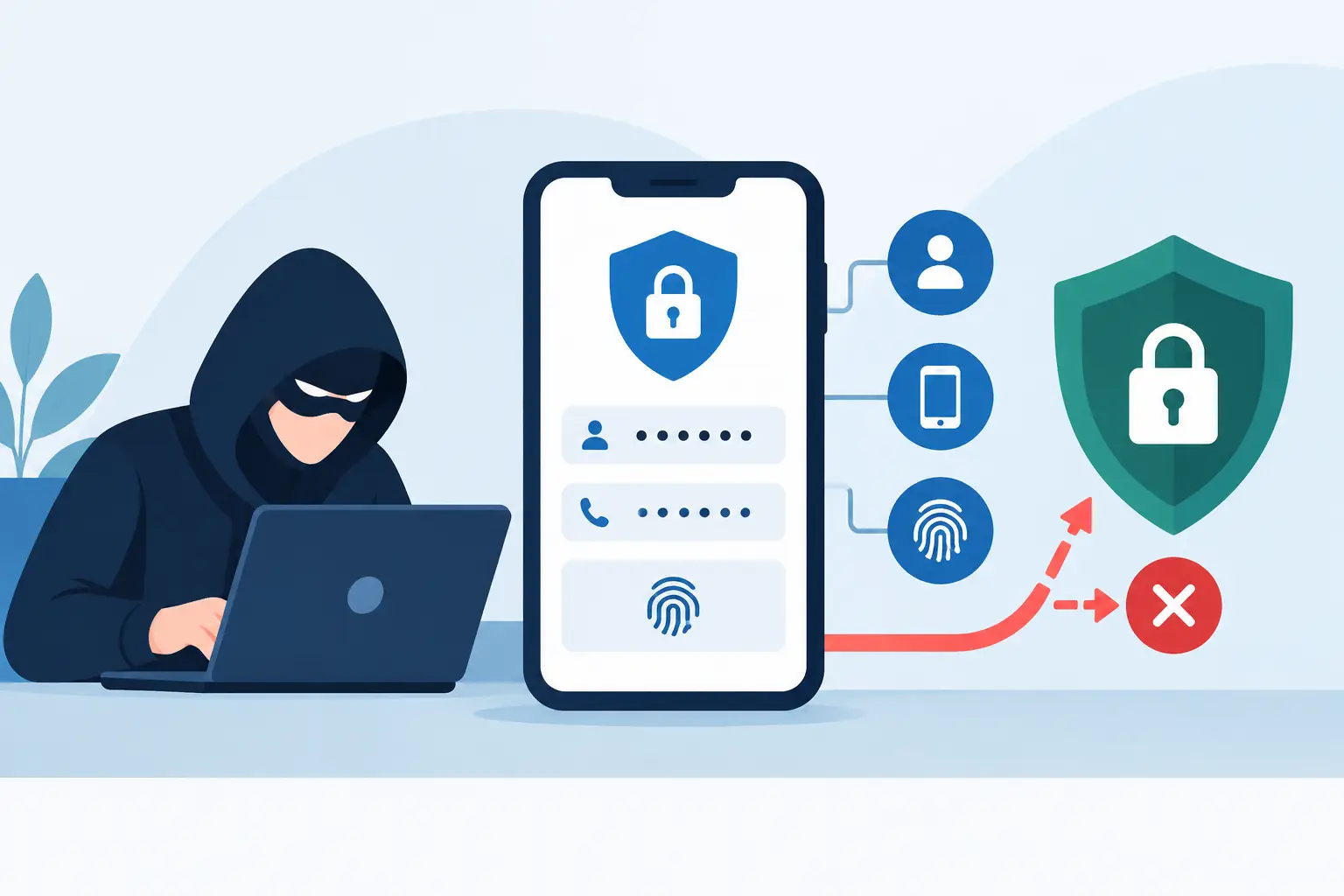
A Microsoft 365 sign-in alert can look routine until it is not. An employee approves a prompt they did not initiate, a login page captures a one-time code, or a criminal uses a stolen browser session to enter without being asked for a second factor. So, can hackers bypass multifactor authentication? Yes, but usually not by breaking the underlying technology. They exploit people, processes, weak enrollment controls, and gaps in device and identity management.
For businesses that rely on cloud applications, remote access, and connected endpoints, MFA remains a critical security control. It stops a large share of account takeover attempts that begin with a stolen password. The operational mistake is treating it as a complete identity security program rather than one layer in a managed defense.
Can Hackers Bypass Multifactor Authentication?
MFA requires a user to prove identity with two or more factors, such as a password, an authenticator app approval, a hardware security key, or a biometric check. A criminal who only has a password should be unable to sign in.
The problem is that attackers increasingly target the steps around authentication. They may convince a user to approve a login, steal a valid session after sign-in, or compromise an administrator account that can change MFA settings. In each case, MFA may technically function as designed while the attacker still gains access.
This distinction matters for leadership teams. The question is not whether MFA works. It does. The question is whether the organization has selected stronger methods, configured identity controls correctly, and built procedures that prevent a single user action from becoming a business-wide incident.
The Most Common MFA Bypass Methods
MFA fatigue and push bombing
Push-based MFA sends an approval request to a phone. Attackers who have obtained a password may repeatedly send prompts, often late at night or during a busy workday, hoping the user approves one to stop the notifications.
More sophisticated attempts include a call, text, or chat message posing as IT support. The attacker claims that an approval is needed to resolve a security issue. If the employee accepts the prompt, the attacker can enter using the valid username and password.
Number matching reduces this risk by requiring the user to enter a displayed number rather than simply tap Approve. Training also needs to be direct: users should deny unexpected prompts and report them immediately. No legitimate support process should require an employee to approve a prompt they did not initiate.
Phishing kits that capture codes and sessions
Traditional phishing pages collect usernames and passwords. Modern adversary-in-the-middle phishing kits can do more. They place a fraudulent site between the user and the real sign-in page, relaying the interaction in real time.
The victim may enter a password and complete MFA on what appears to be a legitimate page. The attacker then captures the authenticated browser session cookie. With that session token, they may access email or cloud applications without repeating MFA until the session expires or is revoked.
This is why security awareness training alone is not enough. Businesses should use phishing-resistant authentication where possible, maintain strong email security, and apply conditional access policies that evaluate device health, location, sign-in risk, and application sensitivity.
SIM swapping and SMS interception
Text-message codes are better than a password alone, but SMS is one of the weaker MFA methods. Through social engineering, account compromise, or fraudulent carrier activity, an attacker may move a victim’s phone number to a device they control. The attacker then receives the texted verification code.
SMS can be a reasonable temporary option for lower-risk use cases, but it should not be the preferred factor for administrators, finance staff, executives, or anyone with access to sensitive data. Authenticator apps, hardware security keys, and passkeys offer stronger protection because they are not dependent on a phone number.
Stolen session tokens and unmanaged devices
A device infected with information-stealing malware can expose saved passwords, browser cookies, and session tokens. A user may have completed MFA correctly, but an attacker using a stolen active session can appear to be that user.
Unmanaged personal devices create additional exposure. Without endpoint protection, patching, encryption, and security monitoring, IT has limited visibility into whether the device accessing company systems can be trusted. MFA cannot compensate for a compromised endpoint.
MFA reset and helpdesk social engineering
Attackers also target the recovery process. They may impersonate an employee and request an MFA reset, claim they lost a phone, or try to persuade a helpdesk technician to add a new authentication method.
This is an operational control issue as much as a technical one. MFA resets and changes should require identity verification that does not rely solely on information easily found online or in a breached data set. High-risk changes should be logged, reviewed, and, when practical, require approval from a manager or a separate administrator.
Where Businesses Are Most Exposed
The greatest risk often sits with accounts that have broad access. Global administrators, privileged IT accounts, payroll users, finance teams, and executives are high-value targets because one successful login can expose email, financial information, customer data, or the ability to change security settings.
Legacy authentication is another frequent gap. Older mail clients, protocols, and applications may not support modern MFA controls. If these paths remain enabled, an attacker may bypass the normal login process by using a basic authentication method. Disabling legacy authentication should be a priority after confirming that critical applications have a supported replacement.
Shared accounts also weaken accountability. When several people use one login, it becomes harder to identify who approved a prompt, changed a setting, or accessed a file. Individual accounts, role-based permissions, and controlled emergency access accounts provide far better visibility and control.
Controls That Make MFA More Effective
A stronger MFA program combines authentication with disciplined identity, endpoint, and monitoring practices. The right mix depends on the organization’s size, regulatory requirements, applications, and tolerance for user friction. However, several controls consistently reduce exposure:
- Use phishing-resistant methods for privileged and high-risk users, including FIDO2 security keys, passkeys, or certificate-based authentication where supported.
- Require number matching and location or application context for push notifications. Users should know what they are approving.
- Enforce conditional access policies that block risky sign-ins, restrict access from unmanaged devices, and require stronger verification for sensitive applications.
- Maintain endpoint detection, patching, and device management so active sessions are less likely to be stolen from compromised systems.
- Limit administrator privileges, separate administrative accounts from daily user accounts, and protect emergency access accounts with documented controls.
- Monitor identity logs for impossible travel, unfamiliar devices, repeated MFA denials, unusual inbox rule changes, and unexpected MFA method registrations.
These controls should be tested, not simply enabled. A policy that blocks an unpatched device is useful only if teams know how exceptions are handled and how quickly employees can regain secure access. Security that creates unmanaged workarounds can introduce a different risk.
What to Do When an MFA Attack Is Suspected
A denied prompt is not always a crisis, but it is a signal worth investigating. Repeated prompts, a user report of a suspicious call, or a new MFA method added without approval should trigger a defined response.
Start by disabling or blocking the affected session, resetting the password, revoking active tokens, and reviewing recent sign-in activity. Confirm whether mailbox rules, forwarding settings, delegated access, OAuth application permissions, or security settings changed. If the account has elevated privileges, expand the review quickly to related administrator accounts and critical systems.
Communication matters during response. Tell the user what happened, what actions were taken, and what they should watch for next. A calm, repeatable process limits downtime and helps employees report future incidents sooner.
MFA is still one of the best defenses against password-based attacks, but it performs best inside a managed security program. The practical next step is to review how users authenticate, how devices are trusted, and how quickly your team can detect and contain an identity event before it interrupts operations.