
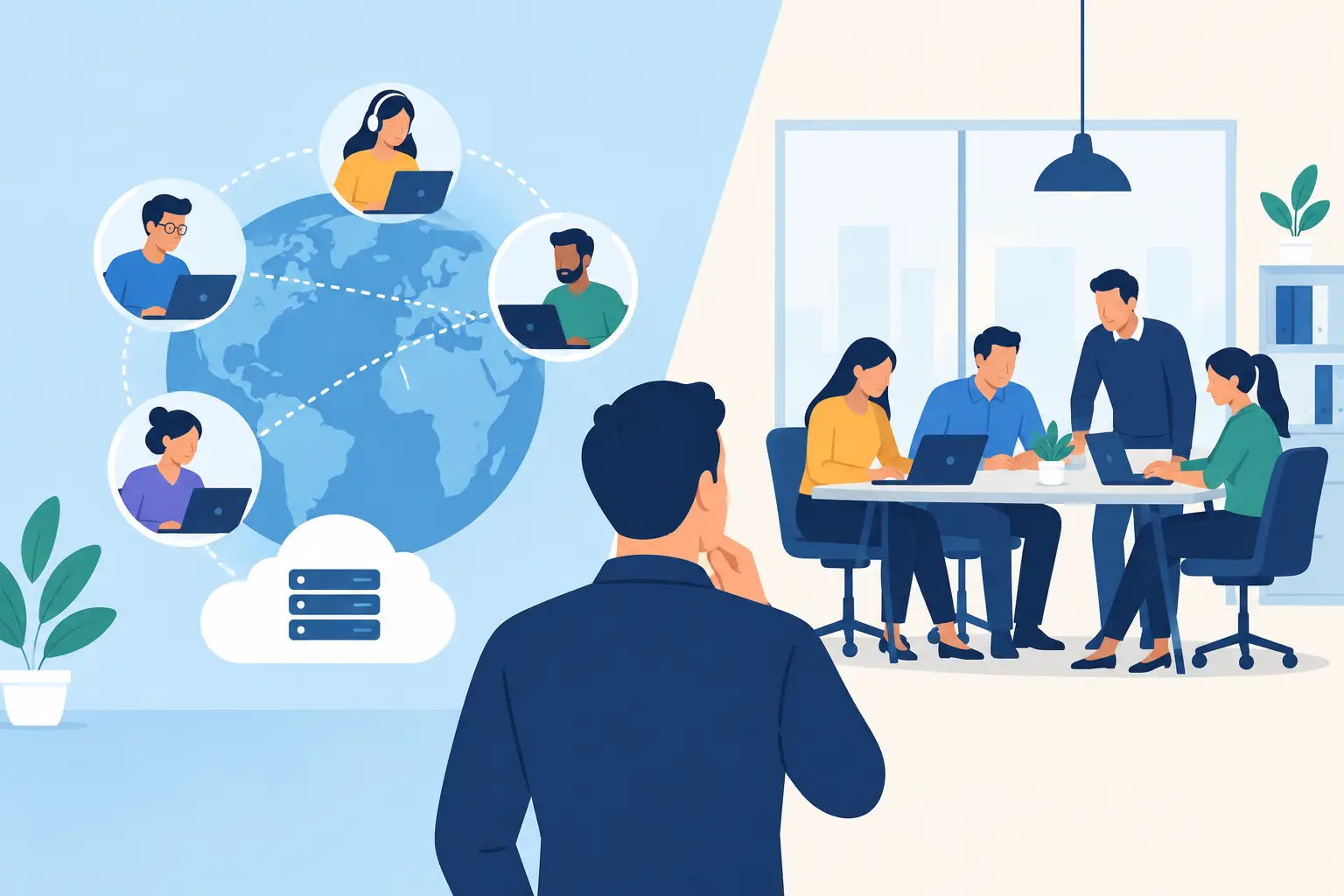
A server failure at 2:00 a.m., a phishing incident, or a Microsoft 365 access problem does not wait for the next business day. That is why the decision around IT outsourcing vs internal staff should begin with operational risk, not simply headcount or hourly cost. The right model is the one that keeps your people productive, your data protected, and your systems accountable when an issue occurs.
For many businesses, the answer is not strictly one or the other. Internal expertise and managed IT services can work together effectively. The better question is which responsibilities require dedicated in-house ownership and which need continuous coverage, specialized tools, and a team built to respond.
IT Outsourcing vs Internal Staff: Start With Business Risk
An internal IT employee can be a strong asset, especially when your company has specialized applications, complex workflows, or frequent technology decisions tied closely to daily operations. They understand the people, processes, and priorities behind the tickets. That context can be difficult for an outside provider to develop overnight.
The limitation is capacity. One person cannot realistically provide helpdesk support, monitor alerts, manage patches, review backups, respond to security events, administer Microsoft 365, maintain documentation, and plan infrastructure improvements at the same time. Vacation, illness, turnover, and after-hours incidents can quickly expose that gap.
Outsourced IT support is designed to spread those responsibilities across a team, supported by monitoring platforms, security tools, documented procedures, and escalation coverage. Instead of relying on one individual to notice and resolve every issue, the business receives a structured service model with defined accountability.
The choice depends on how much downtime your business can absorb, how sensitive your data is, and whether your IT needs extend beyond standard user support.
The Real Cost of Internal IT Support
The salary of an IT administrator is only part of the expense. Businesses also need to account for benefits, training, certifications, management time, software tools, security platforms, backup systems, and coverage for time away from work. If the role requires 24/7 availability, the cost and staffing requirement increase further.
There is also a capability question. A capable generalist may handle everyday requests well but may not have deep experience in incident response, endpoint detection, firewall management, cloud security, compliance requirements, or disaster recovery testing. Hiring separate specialists for each area is often impractical for a small or mid-sized organization.
This does not mean internal IT is a poor investment. For businesses with large user populations, highly customized technology environments, or frequent on-site needs, an in-house team can provide valuable continuity and institutional knowledge. The key is to avoid treating one internal role as a complete IT department when the workload and risk profile say otherwise.
Where IT Outsourcing Delivers Stronger Coverage
Outsourcing is most effective when a business needs predictable support and broader technical coverage without building every capability internally. A managed IT provider can centralize routine operations that are often missed in a reactive environment: monitoring devices, applying updates, reviewing alerts, checking backups, managing user access, and documenting systems.
That consistency matters because many serious technology failures begin as smaller issues. An unpatched endpoint, an ignored backup alert, an expiring account, or an unavailable security update can become a disruptive event if no one is watching. Continuous oversight helps identify and address issues before they affect users or operations.
For organizations using Microsoft 365, cloud applications, remote staff, and multiple locations, outsourced support can also create a clearer operating model. Users know where to request help. Leadership has a defined point of accountability. Security, infrastructure, and support are managed through a coordinated process rather than several disconnected vendors.
A provider such as One Source Datacom can also bring 24/7 monitoring, helpdesk support, endpoint security, backup oversight, and Microsoft 365 administration under one managed service structure. That reduces the handoffs that often delay response during an outage or security incident.
Comparing the Two Models
| Area | Internal staff | Outsourced IT services | |—|—|—| | Daily business context | Deep familiarity with employees and processes | Builds knowledge through documentation and regular service reviews | | Coverage | Limited by staffing levels and work hours | Can provide after-hours monitoring and team-based escalation | | Specialized skills | Depends on the experience of each hire | Access to broader technical and security capabilities | | Cost structure | Salary, benefits, tools, training, and replacement costs | Predictable recurring service expense based on scope | | Accountability | May be concentrated in one person or department | Defined service responsibilities, reporting, and escalation paths | | Scalability | Requires recruiting and onboarding as needs grow | Services can expand with users, locations, and security requirements |
The table is useful, but it should not replace an honest review of your environment. A business with a single office and limited systems has different requirements than a multi-site company with remote employees, regulated data, line-of-business servers, and little tolerance for downtime.
The Hybrid Model Often Makes the Most Sense
Many operationally mature organizations benefit from combining internal staff with outsourced support. Internal personnel can focus on business priorities, vendor coordination, application knowledge, and user relationships. The managed services provider handles the repetitive and high-volume work that requires constant visibility: patching, monitoring, backup verification, endpoint protection, ticket escalation, and security response.
This model also reduces key-person risk. If the internal IT manager is unavailable, documentation, monitoring, and support processes remain active. If a cyber event requires specialized expertise, the internal team has an established escalation path instead of trying to find help after the damage begins.
A hybrid approach should have clear boundaries. Confusion over who owns a task can create delays just as easily as a lack of technical skill. Define responsibility for user onboarding, hardware procurement, application support, network changes, security alerts, backup recovery, and vendor management. The goal is not to duplicate effort. It is to close gaps.
How to Choose the Right IT Support Model
Begin with your most expensive failure scenarios. Consider what happens if email is unavailable, ransomware affects endpoints, a server fails, internet service drops at a branch location, or a key employee cannot access critical systems. Then assess whether your current team can detect, contain, and recover from those events within an acceptable timeframe.
Next, review your day-to-day workload. If internal staff spend most of their time resetting passwords, troubleshooting devices, responding to basic tickets, and chasing routine maintenance, they may have little capacity left for security improvement or strategic planning. Outsourcing routine operations can give internal resources room to work on higher-value initiatives.
Also examine your security and recovery discipline. Are systems patched on schedule? Are backups monitored and tested? Are administrator accounts protected with multifactor authentication? Does someone review suspicious activity and respond outside regular business hours? If the answer is uncertain, the issue is not merely staffing. It is unmanaged risk.
Finally, consider accountability. The best arrangement gives leadership a clear answer to three questions: Who is responsible for keeping systems operational? Who responds when something goes wrong? Who can demonstrate that security and backup controls are working? Whether those answers point to internal staff, an outsourced provider, or both, they should never be vague.
Choose Coverage, Not Just Capacity
Hiring internally can provide valuable business knowledge. Outsourcing can provide scale, specialized skills, and continuous operational oversight. Neither model is automatically better, but relying on limited internal capacity for business-critical technology can create exposure that is easy to overlook until an outage or security incident occurs.
Choose the model that gives your business dependable coverage when systems are under pressure, not just when everything is running normally. A clear assessment of your infrastructure, support demand, security controls, and recovery readiness is the right next step before deciding where IT responsibility belongs.