
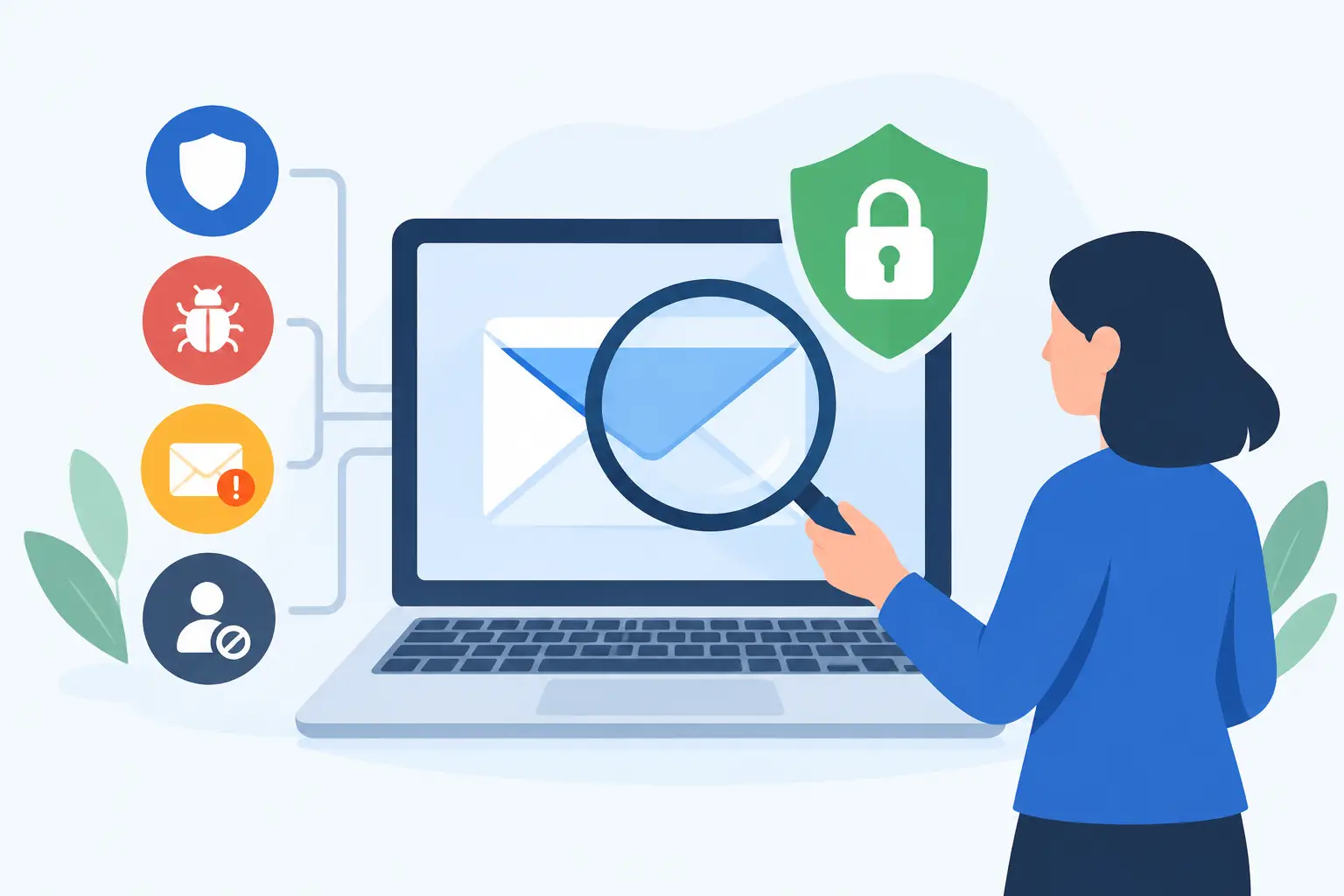
A single compromised mailbox can expose invoices, payroll records, customer data, and internal communications within minutes. An email security review gives your business a structured view of where that exposure exists, whether current controls are working, and what must be corrected before a phishing attempt becomes a business interruption.
For organizations that rely on Microsoft 365 and email-driven workflows, this is not a one-time IT task. Email remains the primary entry point for account compromise, wire fraud, malware delivery, and impersonation attacks. A meaningful review connects technical settings to operational risk: who can access sensitive mailboxes, how suspicious messages are handled, and how quickly the business can contain an incident.
What an Email Security Review Covers
An effective review examines more than a spam filter. It assesses the layers that protect messages before delivery, users while they work, and the business after an account or message is compromised.
The first area is email platform configuration. In Microsoft 365, this includes security policies for phishing, malware, spam, suspicious links, and malicious attachments. The goal is to confirm that policies are active, appropriately scoped, and aligned with the organization’s risk level. A company handling financial approvals, protected customer information, or regulated data often needs stricter controls than a business using email primarily for basic communication.
The review should also examine domain protection. Email authentication records such as SPF, DKIM, and DMARC help receiving systems verify that messages sent from your domain are legitimate. Without them, criminals may be able to impersonate your company to customers, vendors, or employees. These records must be configured correctly and monitored over time. A record that exists but is set too loosely may provide less protection than leadership expects.
User identity is the next critical layer. Multi-factor authentication should be enforced for all users, especially administrators, finance staff, executives, and anyone with access to sensitive data. The review should identify accounts that do not require multi-factor authentication, use outdated sign-in methods, or have elevated permissions that do not match current job responsibilities.
Focus on the Mailboxes Attackers Want
Not every mailbox carries the same level of risk. A shared accounts payable inbox, an executive mailbox, and a Microsoft 365 global administrator account deserve more scrutiny than a standard user account with limited access.
An email security review should identify high-value accounts and confirm that their protections reflect the potential impact of compromise. This includes reviewing mailbox delegation, forwarding rules, shared mailbox access, conditional access policies, and administrator roles. Attackers frequently create hidden forwarding rules after gaining access to a mailbox, allowing them to monitor conversations and wait for the right moment to send a fraudulent request.
External forwarding deserves special attention. Some organizations allow it because employees need to receive messages in another system or work from multiple locations. That may be valid, but it should be a documented exception rather than an uncontrolled default. The review should determine which forwarding rules exist, who approved them, and whether they create a data loss or account takeover risk.
Former employees and dormant accounts also require attention. Disabled accounts, inactive mailboxes, old shared inboxes, and unmanaged service accounts can remain available long after their business purpose has ended. Cleaning up identity access is one of the most direct ways to reduce the attack surface.
Test Whether Phishing Defenses Work in Practice
Most businesses have some form of email filtering. The question is whether it is configured to stop the threats your users actually receive.
A review should evaluate how the organization handles impersonation attempts, credential-harvesting links, malicious attachments, business email compromise, and messages sent from newly registered or lookalike domains. It should also confirm whether quarantined messages are reviewed appropriately. An overly aggressive filter can delay legitimate customer communications, while an overly permissive one creates an opening for attackers. The right balance depends on the business, its vendors, and the consequences of a missed message.
Technical filtering is only part of the answer. Users remain a target because attackers are skilled at creating urgency. A message that appears to come from a CEO, vendor, bank, or payroll provider can bypass a rushed employee’s normal caution. The review should assess whether users know how to report suspicious messages and whether reported messages reach an IT or security team that can act quickly.
For finance and leadership teams, process controls matter as much as email controls. Payment changes, wire requests, gift card requests, and sensitive data requests should require verification through a separate communication channel. No email setting can fully eliminate the risk of a convincing impersonation attempt, but a disciplined approval process can prevent a fraudulent message from becoming a financial loss.
Review Detection, Logging, and Response Readiness
Email security is not only about preventing delivery. It is also about recognizing compromise early and limiting the damage.
Your review should confirm that sign-in activity, mailbox changes, forwarding rules, administrative actions, and security alerts are logged and retained for an appropriate period. Without usable logs, it becomes difficult to determine what happened after an incident. That delays containment, complicates recovery, and can create compliance concerns.
Alerting must be practical. Teams should receive notifications for high-risk events such as impossible travel sign-ins, repeated failed login attempts, unusual mailbox rule creation, privilege changes, and suspicious message activity. Alerts that are never reviewed do not improve security. For businesses without an internal security team, 24/7 monitoring or Security Operations Center support can provide the oversight needed to investigate and escalate events outside normal business hours.
The review should also validate the incident response process. If an employee clicks a malicious link or reports a suspicious email, who receives the report? Who can reset passwords, revoke sessions, remove malicious rules, search other mailboxes, and notify affected users? Clear ownership reduces the time between detection and containment.
A documented response plan should account for both technical and business steps. Technical teams may need to secure the account and investigate email activity, while operations or leadership may need to contact a vendor, pause a payment, or notify customers. Knowing those responsibilities before an incident prevents confusion when every minute matters.
Align Email Controls With Business Continuity
Email is often treated as a communication tool, but it is also a core business system. When mailboxes are compromised or unavailable, sales activity slows, support requests go unanswered, approvals stall, and customer trust can be affected.
That is why an email security review should connect to broader IT operations. Endpoint security can help detect malware delivered through email. Patch management reduces exposure when users open links or attachments. Backup and recovery planning can protect critical data and support restoration needs. Microsoft 365 administration ensures users, groups, licenses, and security policies are actively managed rather than left to drift over time.
The review should also identify where responsibility is fragmented. If one provider manages Microsoft 365, another handles endpoints, and a third manages backups, an email incident can turn into a series of handoffs. A single accountable technology partner can coordinate investigation, containment, user support, and recovery with less delay. One Source Datacom approaches these areas as connected operational responsibilities, not isolated services.
Turn Findings Into a Prioritized Action Plan
A useful review does not end with a long list of technical observations. It should produce a prioritized plan based on business impact, likelihood of exploitation, and effort to remediate.
Critical items typically include unenforced multi-factor authentication, excessive administrator rights, weak domain authentication, exposed forwarding rules, and missing alert coverage. These issues should have clear owners and near-term completion dates. Medium-priority improvements may include policy refinement, user training, mailbox cleanup, and logging adjustments.
The plan should distinguish between quick corrections and ongoing management. Enabling a policy is a one-time action. Reviewing alerts, managing new users, monitoring configuration changes, and adapting to new threats require continued oversight. Businesses that treat email security as a quarterly checklist can miss changes that occur between reviews.
Schedule reviews at least annually, and more often after a Microsoft 365 migration, merger, leadership change, security incident, or major shift in how employees work. The objective is not to create more administrative work. It is to make sure the controls protecting daily communication continue to match the way your business operates.
A well-run email environment gives employees the freedom to communicate and collaborate without leaving the organization exposed. Start with visibility, correct the highest-risk gaps, and assign clear ownership for the controls that must remain in place long after the review is complete.