
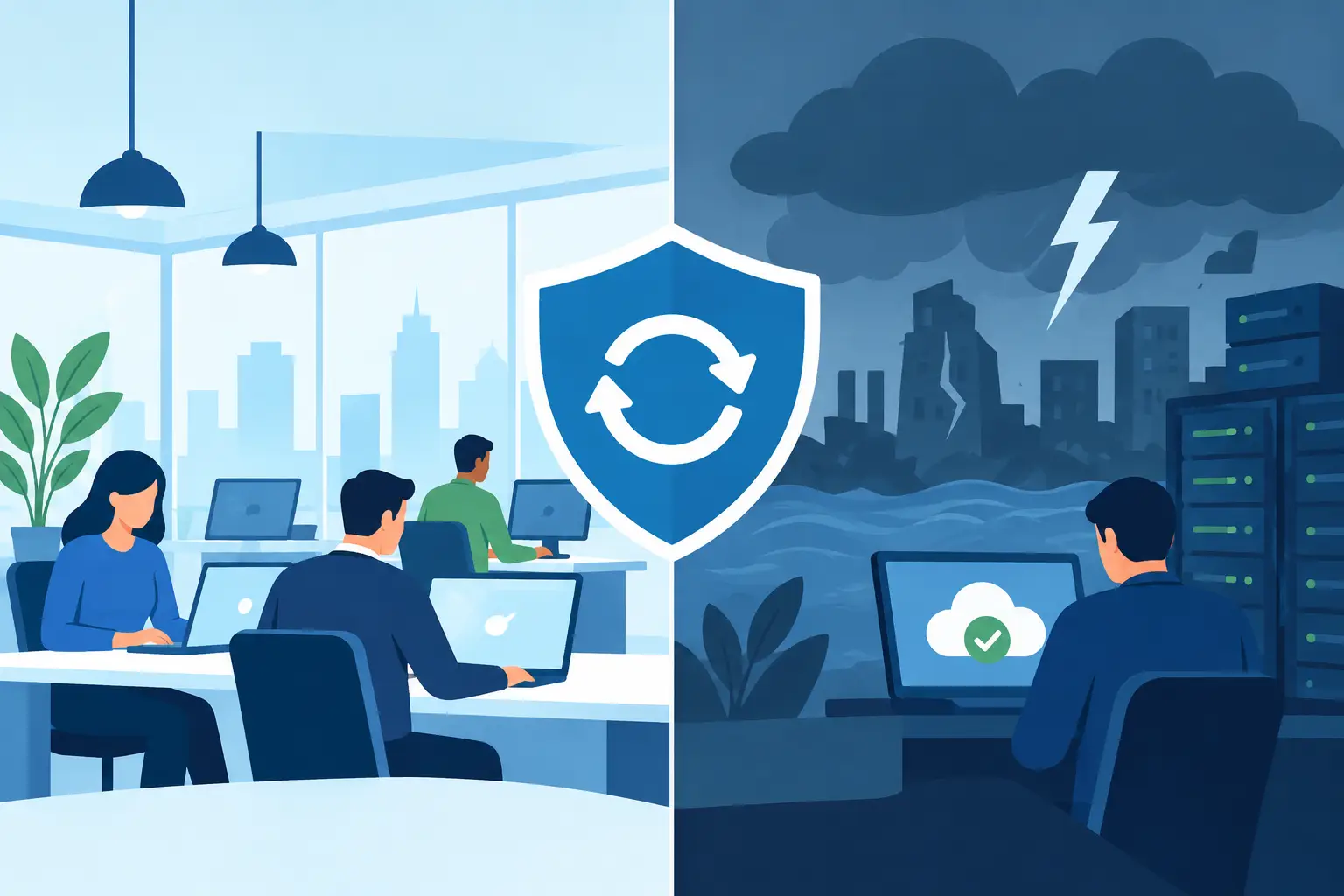
A ransomware alert at 2:00 a.m., a failed server during payroll, or a regional power outage can all stop work quickly. The question is not whether your company has backups. It is whether people can continue serving customers, processing orders, accessing critical systems, and communicating while IT restores what was affected. That is the practical difference in business continuity versus disaster recovery.
These terms are often used together, and for good reason. Both are designed to limit the operational and financial impact of disruption. But they answer different questions. Disaster recovery asks, “How do we restore technology after a failure?” Business continuity asks, “How does the organization keep operating before, during, and after that failure?”
For organizations that rely on Microsoft 365, cloud applications, endpoints, servers, and multi-site connectivity, treating the two as the same plan creates gaps that only become visible during an incident.
What Disaster Recovery Protects
Disaster recovery, often called DR, focuses on restoring IT systems, data, and infrastructure following a disruptive event. The event could be a cyberattack, hardware failure, accidental deletion, fire, severe weather, or an outage at a key provider.
A disaster recovery plan identifies the technology required to bring operations back online. That includes backups, recovery copies, recovery procedures, replacement hardware, cloud resources, administrative access, and defined restoration priorities. It should establish who is authorized to make recovery decisions and who performs each technical task.
The two metrics most leaders need to understand are recovery time objective and recovery point objective. Recovery time objective, or RTO, is the maximum acceptable time a system can be unavailable. Recovery point objective, or RPO, is the maximum acceptable amount of data loss measured in time.
For example, a file server backed up nightly may have a 24-hour RPO. If it fails late in the day, the business could lose work created since the prior backup. That may be acceptable for a low-priority archive, but not for an order processing system or a shared financial database. A shorter RPO usually requires more frequent backups or replication, which increases cost and management requirements.
DR is not limited to data backup. A usable plan also accounts for identity services, email, network configuration, line-of-business applications, vendor contacts, software licensing, encryption keys, and documentation. A backup that cannot be located, accessed, or restored within the required timeframe is not a recovery strategy.
Recovery Must Be Tested, Not Assumed
Many organizations discover too late that their backups completed but their recovery process is incomplete. A restore may take longer than expected. Application dependencies may be missing. Former employees may still hold critical credentials, or no one may know the correct recovery sequence.
Regular testing turns recovery from an assumption into a controlled process. Testing should verify more than whether a backup job reports success. It should confirm that data can be restored, systems can operate after restoration, the right people can access administrative tools, and the documented RTO and RPO remain realistic.
What Business Continuity Protects
Business continuity, often called BC, is broader. It addresses how the business maintains essential operations through disruption, including disruption that has nothing to do with a complete IT disaster.
A continuity plan identifies critical business functions, the people responsible for them, acceptable interruption periods, alternative work methods, communication procedures, and dependencies on technology, facilities, suppliers, and outside services. Its purpose is to preserve the organization’s ability to operate at an acceptable level while normal conditions are unavailable.
Consider a situation where a company’s primary office loses internet service for a full day. Disaster recovery may not be required because no systems were destroyed and no data was lost. Business continuity is still required. Can staff securely work from another site or from home? Can calls be routed to mobile devices? Can leadership notify customers and employees? Can employees access the documents and applications needed to perform priority work?
The same principle applies to a cyber incident. Restoring servers is necessary, but it does not answer every operational question. Who tells employees not to use affected systems? How are customers informed if a service is delayed? Which manual processes can keep revenue-moving work active? Who coordinates legal, insurance, and executive communications if sensitive data may be involved?
Continuity Planning Starts With Business Priorities
Not every system deserves the same recovery investment. A well-designed continuity plan begins by determining what the company cannot afford to lose or leave unavailable.
For one organization, that may be customer support, shipping, payment processing, or field service dispatch. For another, it may be secure access to client records, production scheduling, or the ability to meet a contractual service commitment. The priority is not always the most technically complex system. It is the function that creates the largest operational impact when it stops.
That analysis helps leaders make practical decisions. Some applications may need near-immediate recovery and redundant access. Others may be acceptable to restore the next business day. The goal is not to eliminate every interruption at any cost. It is to align recovery capabilities with the real cost of downtime.
Business Continuity Versus Disaster Recovery: The Key Difference
The clearest distinction is scope. Disaster recovery is a technology-focused component of business continuity. It restores the systems that the business depends on. Business continuity coordinates the people, processes, facilities, communications, and technology needed to keep critical work moving.
A useful way to frame it is this: DR gets the environment back. BC keeps the organization functioning while the environment is disrupted.
That distinction matters because a technically successful recovery can still be an operational failure. A company may restore its accounting platform by the next morning, yet lose customer trust because no one communicated a service delay. It may recover a server, yet face days of lost productivity because remote access was not planned, employee devices were unmanaged, or key workflows depended on a single office location.
Conversely, a business may have a temporary workaround that keeps teams productive, but no dependable process for restoring compromised systems. That creates its own risk. Continuity without recovery can become an extended, fragile workaround.
Where the Plans Need to Work Together
The best plans are connected, but they are not duplicates. Business leadership should define acceptable downtime, critical functions, communication authority, and alternatives for operating during a disruption. IT should translate those requirements into recovery capabilities, security controls, backup design, and documented response procedures.
This coordination is particularly important when cloud services are involved. Microsoft 365 can support continuity by enabling remote communication and collaboration, but it does not remove the need for planning. Organizations still need to manage account access, multifactor authentication, retention settings, backup requirements, device security, and procedures for an identity compromise.
A practical program should address four connected areas: preventing avoidable incidents through monitoring, patching, endpoint protection, and access controls; responding quickly when an event occurs; restoring affected systems and data; and maintaining essential business functions throughout the process.
These areas often involve different owners. Operations may own process workarounds. Human resources may own employee communications. Finance may own payment approvals. IT may own technical recovery. Executive leadership must establish priorities and decision authority before an emergency forces rushed choices.
Common Gaps That Increase Downtime
The most damaging continuity and recovery weaknesses are usually not exotic technical failures. They are ordinary oversights that have not been tested under pressure.
A single backup location can fail alongside the production environment. Shared administrator accounts make it difficult to control access or investigate actions. Outdated contact lists delay response. Unmanaged laptops create security exposure when remote work becomes necessary. Undocumented applications leave teams dependent on one employee or vendor. And vague recovery priorities cause IT to restore systems in the wrong order.
Another common issue is confusing an incident response plan with a complete BC/DR program. Incident response focuses on containing and managing an event, especially a security event. It is essential, but it does not replace plans for restoring operations, relocating work, communicating with stakeholders, or operating through extended disruption.
Building a Plan That Fits Your Business
Start with a business impact assessment. Identify the functions that support revenue, customer commitments, safety, regulatory obligations, and daily operations. For each one, define the systems, people, vendors, data, and locations required to perform it.
Then establish realistic targets. Ask how long each function can be unavailable, how much data loss is tolerable, and what the business can do while the primary system is unavailable. Those answers guide technical decisions about backup frequency, redundancy, recovery environments, endpoint management, and security controls.
Document the plan in language that both leadership and technical staff can use. It should clearly state escalation contacts, decision authority, recovery order, communication expectations, and testing schedules. Keep the documentation accessible when normal systems are unavailable.
Finally, test the plan against credible scenarios. A tabletop exercise can expose communication and decision-making gaps. A technical recovery test can validate backups and restoration steps. A remote-work exercise can reveal whether employees can securely access the tools they need. Each test should produce specific improvements, not just a completed checklist.
One Source Datacom helps organizations bring these moving parts under accountable IT oversight, combining monitoring, security, backup and recovery, and day-to-day support around the operational requirements that matter most.
A continuity plan earns its value before the emergency: when ownership is clear, recovery priorities are agreed upon, and the organization has practiced the actions that protect customers, employees, and critical operations.