
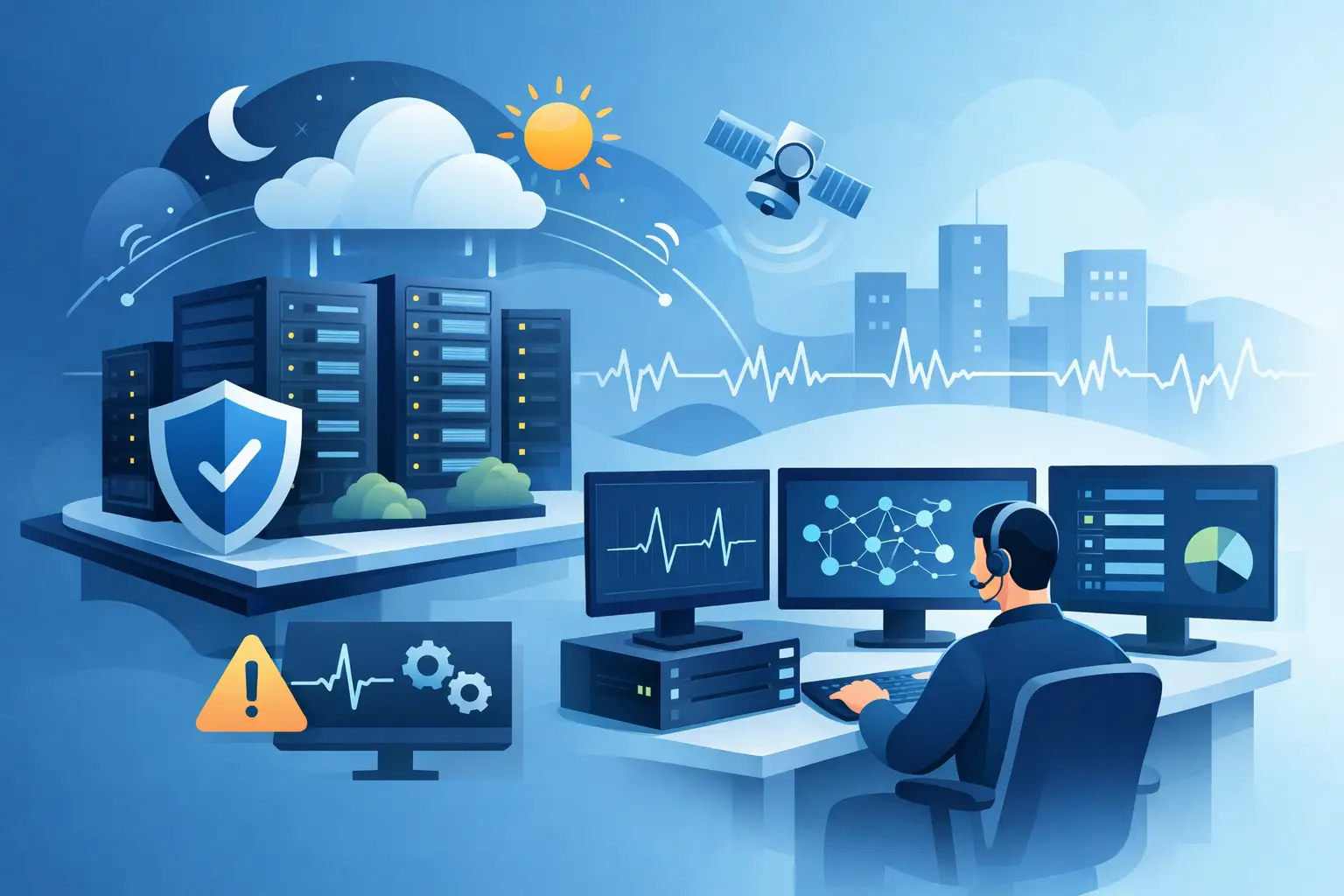
A server can run out of disk space at 2:00 a.m. A failed backup can go unnoticed until a restore is needed. A connectivity issue at one office can stop work before the local team knows where to look. These are not problems that wait for business hours. 24/7 infrastructure monitoring gives businesses a way to identify and address warning signs before they become operational disruptions.
For organizations that rely on cloud services, Microsoft 365, servers, endpoints, network equipment, and backups, continuous oversight is not simply an IT feature. It is part of maintaining business continuity. The goal is not to generate more alerts. The goal is to turn meaningful signals into timely action, with clear ownership when something requires attention.
What 24/7 infrastructure monitoring should cover
Effective monitoring looks across the systems that support daily work. That includes the availability and performance of servers, firewalls, switches, wireless networks, internet connections, workstations, cloud services, and backup jobs. Each area can affect users differently, so monitoring needs to provide both a broad view of the environment and enough detail to locate the source of a problem.
A useful monitoring program also tracks the conditions that often lead to failures. Disk capacity, processor utilization, memory pressure, device health, patch status, expiring certificates, offline endpoints, failed services, and backup exceptions can all indicate risk before users experience an outage. When these conditions are identified early, remediation is usually faster, less disruptive, and less expensive.
Not every alert requires the same response. A brief increase in server utilization may only need observation. A failed backup, unavailable firewall, or suspicious endpoint event may require immediate escalation. That distinction is where managed oversight adds value. Alerts must be prioritized, validated, documented, and routed to the right technical resource rather than left in an inbox for someone to discover later.
Why continuous monitoring matters to business operations
Downtime has a direct cost, even when it lasts only a few hours. Employees lose access to business applications, customer requests sit unanswered, teams revert to manual workarounds, and internal administrators are pulled away from planned work. For multi-site organizations, an issue at a single location can affect phone systems, shared files, line-of-business applications, and secure remote access at the same time.
Continuous monitoring reduces the time between an issue occurring and someone becoming aware of it. That is a meaningful difference. A device that fails overnight can be investigated before the morning rush. A storage threshold can be addressed before applications stop writing data. An internet circuit issue can be documented with the information needed to engage the provider quickly.
Monitoring also improves accountability. Business leaders should not have to determine whether a problem is related to the network, a cloud service, a user device, a security control, or a backup platform. A structured IT partner takes ownership of the investigation, coordinates the response, and communicates what happened, what was done, and what should be improved.
Monitoring is only valuable when response follows
Many businesses already receive automated alerts from individual tools. A firewall may send notifications, a backup platform may produce daily reports, and Microsoft 365 may provide service notifications. Those tools are useful, but they do not create a complete operational process on their own.
The gap is often alert fatigue. If every warning is treated as urgent, important issues get buried. If alerts are ignored because they are frequent or unclear, a genuine incident can remain unresolved. A managed monitoring service establishes thresholds, escalation paths, and response procedures that match the organization’s infrastructure and business priorities.
That process should include review of recurring events. For example, a server that repeatedly reaches capacity is not fixed by clearing space each month. It may need storage expansion, retention changes, application cleanup, or a broader modernization plan. Repeated wireless complaints may point to coverage, capacity, hardware age, or interference rather than isolated user issues. Monitoring provides the evidence needed to move from repeated firefighting to planned improvement.
Security and availability must work together
Infrastructure health and cybersecurity are closely connected. An unpatched endpoint, disabled security service, expired certificate, or offline backup system can create both an operational and security exposure. Treating monitoring and security as separate responsibilities can leave gaps between teams and vendors.
A stronger approach combines infrastructure visibility with endpoint protection, patch management, backup oversight, and incident response procedures. This helps identify devices that fall outside policy, confirms that critical protections remain active, and supports faster investigation when unusual activity is detected.
There are limits to what standard infrastructure monitoring can do. Availability monitoring can show that a service is down or a device is behaving abnormally, but it may not identify every advanced threat. Organizations with elevated risk, regulatory requirements, or sensitive data may also need Security Operations Center support, managed detection and response, and compliance-focused security controls. The right level of coverage depends on the business, its data, and the consequences of an incident.
What decision-makers should expect from a provider
A 24/7 monitoring service should be built around outcomes, not a generic dashboard. Before monitoring begins, the provider should understand which systems are essential, who must be contacted during an incident, what recovery priorities apply, and which alerts require immediate action. Without that context, even good technology can produce inconsistent results.
Decision-makers should expect clear visibility into the environment, documented escalation procedures, and practical reporting on issues, trends, and recommended improvements. They should also expect the provider to distinguish between an alert that has been acknowledged and an issue that has been resolved. Those are not the same thing.
It is reasonable to ask how after-hours incidents are handled, what systems are monitored, which actions can be performed remotely, and when on-site support is required. It is also useful to clarify responsibilities for third-party vendors, internet providers, cloud platforms, and line-of-business software. Clear boundaries prevent delays when a problem crosses multiple systems.
Building a monitoring plan that fits the business
The best monitoring plan starts with priorities. A small professional office may focus on internet connectivity, Microsoft 365 access, endpoint health, firewall status, and verified backups. A multi-site business may require additional monitoring for site-to-site connectivity, wireless infrastructure, servers, application availability, and remote access. Organizations with internal IT staff may need co-managed support, where monitoring and escalation strengthen the existing team rather than replace it.
The plan should also account for change. New locations, cloud migrations, acquisitions, remote staff, and new applications all introduce dependencies that need to be documented and monitored. If the environment changes faster than the monitoring coverage, blind spots develop.
One Source Datacom approaches monitoring as part of a broader managed IT environment that includes helpdesk support, patching, endpoint security, backup and disaster recovery, and Microsoft 365 administration. This model creates a single point of accountability for the systems employees depend on every day.
Start with the risks that could stop work
The most productive next step is not selecting a monitoring tool. It is identifying the systems that would interrupt operations if they failed and confirming who is watching them after hours. Review recent incidents, failed backups, aging equipment, recurring user complaints, and gaps in current alert coverage.
From there, a structured assessment can define what requires continuous monitoring, what needs stronger security controls, and where response procedures need to be tightened. The result should be a practical operating plan that gives leadership more control over uptime, risk, and the next issue before it becomes a business interruption.