
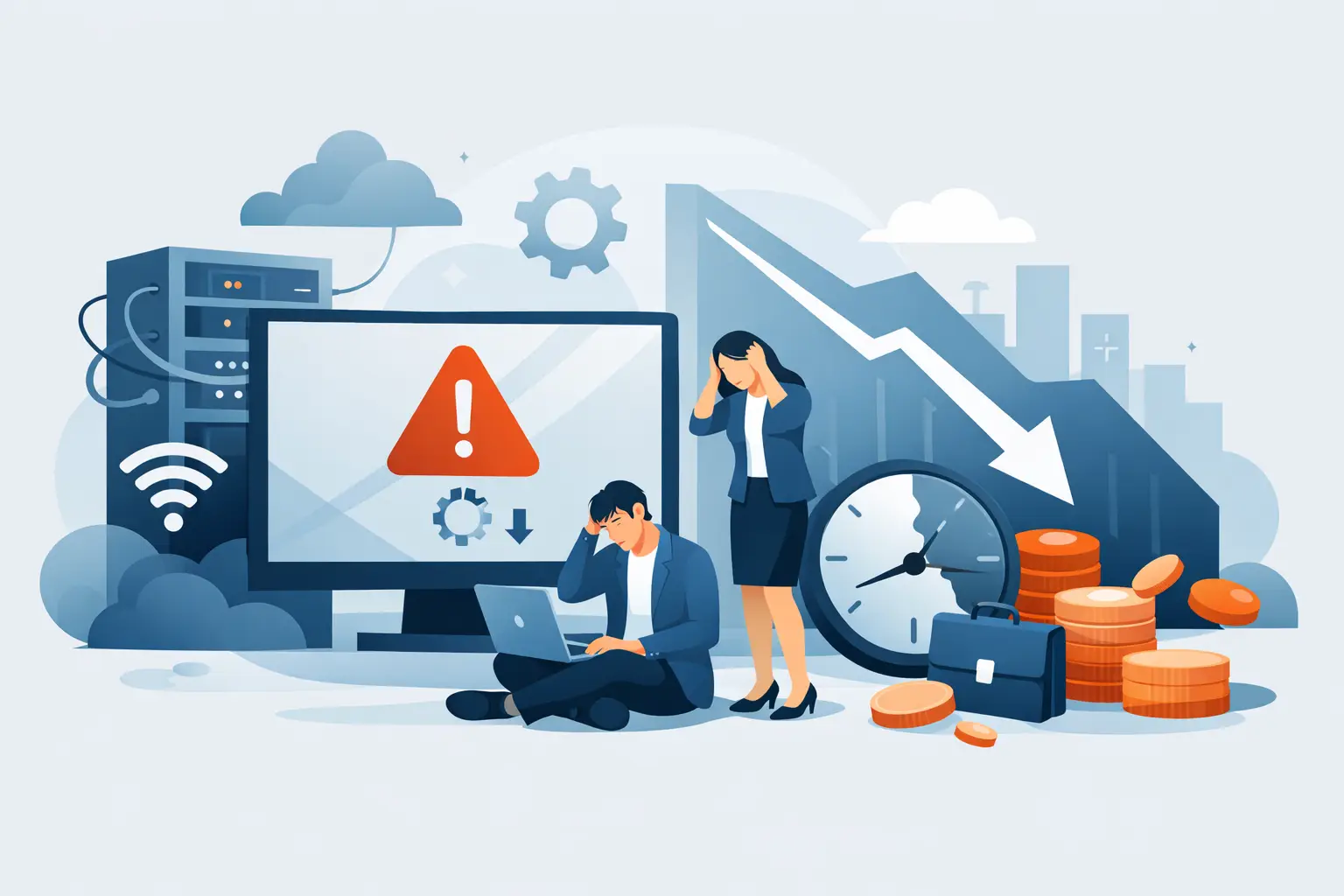
A server outage at 10:00 a.m. rarely stays an IT problem. By noon, it has become an operations problem, a customer service problem, and often a leadership problem. That is why IT downtime cost analysis matters. It gives businesses a clear way to measure what an interruption actually costs, not just in technical terms, but in labor, revenue, productivity, and risk.
Many organizations still estimate downtime too narrowly. They count the technician hours, maybe the cost of emergency support, and move on. The larger impact is usually somewhere else. Employees cannot access systems, sales teams miss opportunities, customers lose confidence, and managers spend the day coordinating workarounds instead of running the business. If the outage touches Microsoft 365, line-of-business applications, internet connectivity, backups, or endpoint security, the financial effect expands fast.
What an IT downtime cost analysis should include
A useful IT downtime cost analysis starts with direct cost, but it should not stop there. Direct cost includes emergency remediation, outside support, replacement hardware, overtime, or incident response expenses. Those costs are visible, which is why many businesses focus on them first.
The more significant number is often indirect cost. This includes idle staff time, delayed orders, missed billable work, slowed production, and customer-facing disruption. A 90-minute outage may not look severe on paper, but if 40 employees cannot work during that window, the labor loss alone becomes meaningful. If a customer portal, phone system, or order platform is affected, the cost rises again.
There is also a third layer that deserves attention: downstream risk. Not every outage creates a compliance issue, a data integrity problem, or reputational harm, but some do. If downtime interrupts backup jobs, exposes a security gap, or delays a required business process, the aftereffects can continue long after systems come back online.
The core formula behind IT downtime cost analysis
Most businesses do not need a complicated model to get value from this exercise. They need a repeatable one. A practical formula is to calculate the hourly cost of interruption across people, systems, and business impact.
Start with labor. If 25 employees lose access to critical applications for two hours, multiply those lost hours by their loaded hourly rate, not just base pay. That gives you a realistic productivity cost. Then add revenue exposure. For some businesses, this means average hourly sales. For others, it means delayed billing, missed appointments, or interrupted production output.
Next, add technical recovery cost. This includes internal IT time, managed service response, hardware replacement, after-hours work, and any outside specialists required to restore operations. Finally, account for secondary losses where appropriate. That might include service credits, expedited shipping, customer churn risk, or penalties tied to missed obligations.
The final number does not need to be perfect to be useful. It needs to be credible enough to guide decisions. A disciplined estimate is far better than assuming downtime is just part of doing business.
Why averages can mislead decision-makers
A common mistake in IT downtime cost analysis is relying on a single average cost per hour. Industry benchmarks can be helpful for context, but they are not a substitute for your own environment. A 50-person accounting firm, a multi-site distributor, and a healthcare practice can each have very different downtime exposure even if they use similar technology.
Timing matters too. An outage during month-end close, payroll processing, or a peak customer service window carries a different cost than the same outage after hours. The systems involved matter just as much. Losing guest Wi-Fi is inconvenient. Losing access to email, authentication, file storage, or your line-of-business platform is operationally serious.
This is where business context matters more than generic numbers. Leaders need to know which systems are critical, which teams are affected first, and how long the business can tolerate disruption before the impact becomes unacceptable.
The hidden costs most companies miss
The biggest gaps in downtime analysis usually come from costs that are hard to see in the moment. Leadership time is one of them. During an outage, managers are pulled into escalations, team coordination, vendor follow-up, and customer communication. That time has a cost, even if it never appears on an invoice.
Another overlooked area is recovery drag. Systems may be technically restored, but operations do not return to normal instantly. Teams often spend hours re-entering data, validating transactions, resolving user access issues, or handling the backlog created during the outage. In practice, a one-hour outage can create half a day of reduced efficiency.
Security-related downtime carries another layer of exposure. If an outage is tied to ransomware, account compromise, failed patching, or endpoint instability, the cost analysis should include containment, investigation, recovery validation, and potential legal or compliance review. This is where reactive support models tend to get expensive. They address the incident, but not always the root condition that made the incident possible.
How to use downtime data to justify IT investment
The purpose of IT downtime cost analysis is not to build a dramatic spreadsheet. It is to make better operational decisions. When leaders can see the cost of recurring outages, they can compare that cost against preventive investment.
For example, if a business experiences repeated interruptions tied to aging firewalls, inconsistent patching, unsupported endpoints, or weak backup coverage, the numbers often make the next step obvious. A proactive service model with 24/7 monitoring, structured maintenance, endpoint protection, and tested backup and disaster recovery may cost less over a year than a handful of preventable incidents.
That comparison is especially useful when there is internal hesitation around managed services. Some organizations view proactive oversight as an extra expense because the value is less visible than emergency repair. Downtime analysis changes that conversation. It puts a dollar figure on instability, delayed response, fragmented vendor accountability, and unmanaged risk.
Where managed services change the equation
Not every outage can be prevented, and no provider should promise that. Hardware fails. Cloud platforms have interruptions. Users make mistakes. The goal is not zero incidents. The goal is shorter disruptions, fewer repeat failures, and a controlled recovery process.
That is where structured IT management changes the cost profile. Continuous monitoring can catch warning signs before users report them. Regular patching and maintenance reduce failure points. Helpdesk support shortens the time between issue detection and response. Backup and disaster recovery planning reduce the cost of worst-case events. Security oversight lowers the chance that downtime becomes a breach-driven crisis.
For businesses with multiple locations, remote users, and heavy reliance on Microsoft 365 and cloud applications, coordination matters as much as technical skill. A single accountable partner can reduce the handoff delays that often extend outages. One Source Datacom is built around that model: support, monitoring, security, and operational oversight working together instead of in separate silos.
Build an analysis that supports action
The strongest downtime reviews are done after incidents and before the next one. After an event, document what failed, who was affected, how long operations were disrupted, what recovery required, and what the business impact looked like by department. Before the next event, identify the systems that would create the highest cost if they went down tomorrow.
That process usually reveals patterns. Maybe backups exist but recovery time is too slow. Maybe alerts are generated but not acted on early enough. Maybe user support is available, but infrastructure oversight is inconsistent. These are solvable issues, but only if the business treats downtime as an operational metric, not a random inconvenience.
A practical analysis should help answer a few direct questions. Which systems deserve the strongest protection? How long can each one be unavailable? What does one hour of downtime really cost us? And which preventive controls will reduce that exposure the fastest?
When those answers are documented, IT planning becomes more disciplined. Budget conversations become easier. Service expectations become clearer. Most important, downtime stops being something the business absorbs and starts being something it actively manages.
The cost of an outage is rarely limited to the hour it appears on the incident log. If you measure the full business impact, you can make smarter decisions before the next interruption forces them.