
A business vulnerability management process is not a quarterly scan followed by a long spreadsheet that no one owns. It is a repeatable operating discipline for finding security weaknesses, deciding what creates real business risk, fixing them on schedule, and proving the work was completed. For organizations that depend on Microsoft 365, cloud applications, servers, and connected endpoints, that discipline directly supports uptime and business continuity.
The goal is not to patch every finding immediately. That approach can disrupt critical systems and exhaust internal teams. The goal is to understand what is exposed, prioritize work based on operational impact, and reduce risk without creating unnecessary downtime.
Why vulnerability management needs business ownership
A vulnerability is a weakness that could be exploited, such as an unpatched operating system, unsupported firewall, misconfigured cloud service, weak administrator setting, or application with a known security flaw. Scanning tools can identify many of these issues. Tools alone cannot determine whether a finding affects a mission-critical server, an isolated test device, or a system that cannot be restarted during business hours.
That is where business ownership matters. Leadership, operations, and IT need a shared process that connects technical findings to business services. A critical vulnerability on an internet-facing system that supports customer transactions deserves faster action than a low-risk issue on a retired device awaiting disposal.
Without that context, organizations often face one of two problems. They patch blindly and risk interruption, or they defer work until weaknesses become permanent parts of the environment. Neither is acceptable for a business that needs predictable operations and clear accountability.
The business vulnerability management process
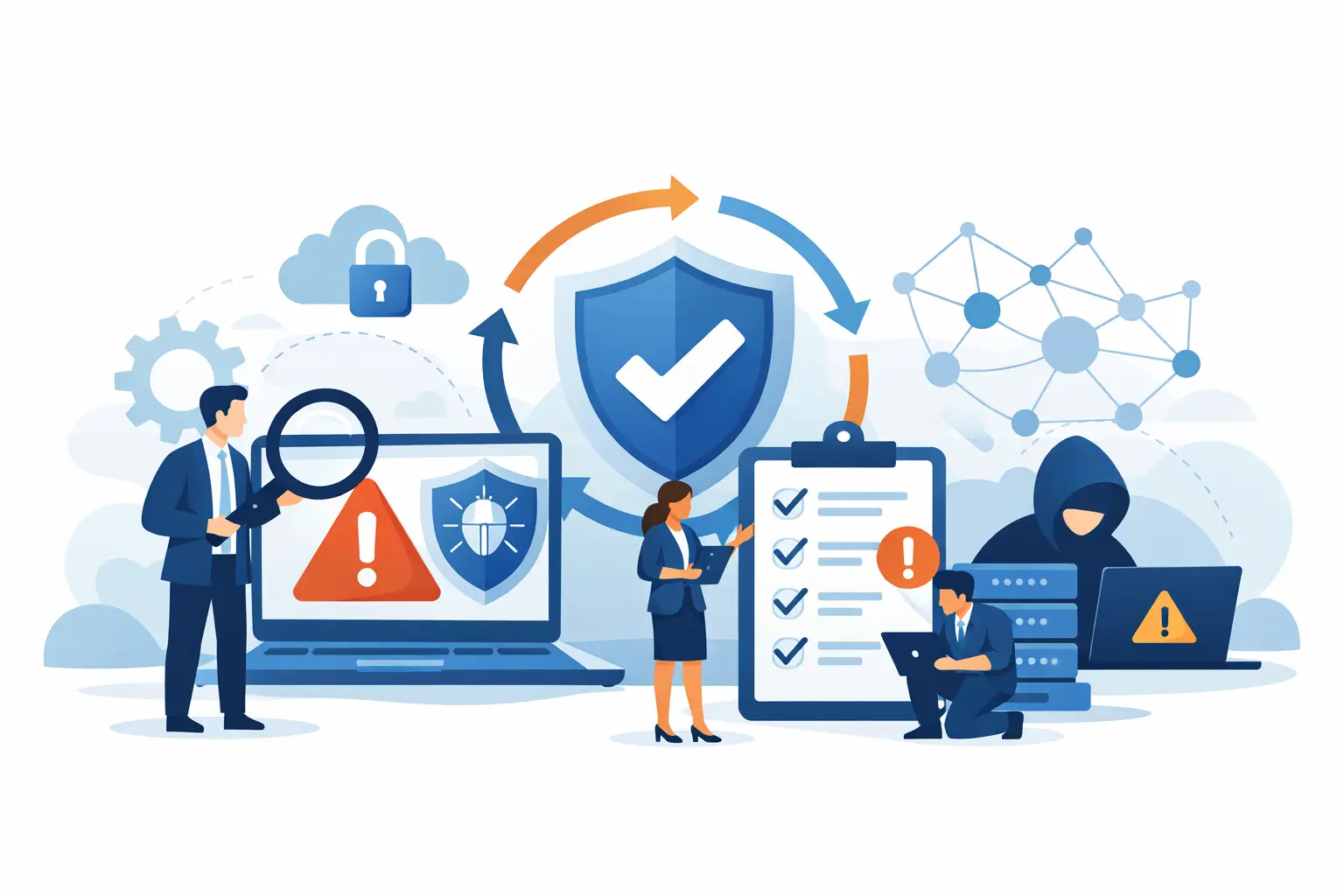
An effective process has a clear cycle: establish what you manage, identify vulnerabilities, prioritize remediation, make controlled changes, verify results, and report on risk. Each phase should have an owner and an expected timeframe.
1. Maintain a complete, current asset inventory
You cannot protect systems that are missing from your records. Start with a working inventory of endpoints, servers, network devices, virtual machines, cloud resources, business applications, and Microsoft 365 administrative accounts. Include system owners, locations, operating systems, software versions, business purpose, and whether the asset is internet-facing.
This is especially important for multi-site offices and hybrid workforces. Devices may be off-network for long periods, employees may use new SaaS tools without formal review, and old systems can remain active after a project ends. Monitoring and endpoint management tools should continuously update the inventory rather than relying solely on annual manual reviews.
An inventory also makes exceptions visible. If a legacy application must remain in place for operational reasons, document it, identify its owner, and apply compensating controls rather than allowing it to disappear from view.
2. Identify weaknesses through continuous assessment
Vulnerability identification should combine scheduled scanning with ongoing security monitoring. Scheduled internal and external scans help uncover missing patches, exposed services, outdated software, and configuration errors. Endpoint tools can report patch status and security control health. Cloud and Microsoft 365 reviews can identify risky permissions, weak authentication requirements, or administrative changes that need attention.
Frequency depends on the environment. A business with public-facing applications, remote access systems, or regulated data may need frequent scanning and faster review cycles. A smaller office with a limited technology footprint may use monthly scans, provided critical alerts are still handled immediately.
The assessment process should also include new threats. When a serious vulnerability is publicly disclosed, waiting for the next scheduled scan is not enough. IT needs a defined method to determine whether affected products exist in the environment, whether they are exposed, and what temporary safeguards are needed before a permanent fix is available.
3. Prioritize based on exposure and business impact
Severity ratings are useful, but they are only one input. A high-severity vulnerability may be less urgent if the affected system is offline and scheduled for replacement. A medium-rated issue may demand immediate action if it affects a publicly accessible system, a backup platform, an administrator account, or a device used to process sensitive information.
Prioritization should consider the technical severity, whether active exploitation is known, internet exposure, the availability of a fix, the importance of the affected service, and the availability of compensating controls. This gives leaders a more accurate view of risk than a raw count of open findings.
Set remediation targets that people can follow. For example, actively exploited or internet-facing critical issues may require same-day action or mitigation. High-priority findings may need resolution within days, while lower-risk items can be addressed through a scheduled maintenance cycle. The right timelines depend on your industry, compliance obligations, and operational tolerance for change, but they should be documented and consistently enforced.
4. Remediate through controlled change management
Patching is the most common remediation action, but it is not the only one. A finding may be resolved by updating software, removing unsupported applications, changing a configuration, disabling an exposed service, restricting access, replacing an aging device, or enforcing multifactor authentication.
Every significant change needs planning. Confirm dependencies, create a backup or recovery point, schedule the work during an appropriate maintenance window, and define a rollback plan. Critical systems may require testing before production deployment. This is where vulnerability management and business continuity work together: a rushed patch that causes an outage is still an operational failure.
For devices that cannot be patched immediately, document a time-bound exception. The exception should name the responsible owner, explain why remediation is delayed, define compensating controls, and include a target date for review. Examples of compensating controls include network segmentation, restricted administrator access, enhanced monitoring, or temporary removal of internet access.
5. Verify that the risk was actually reduced
Closing a ticket does not prove a vulnerability is fixed. Verify remediation with a follow-up scan, endpoint report, configuration review, or targeted test. Also confirm that the system remains stable after the change and that security tools are still reporting correctly.
Verification prevents false closure caused by failed patches, devices that were offline during deployment, or configuration changes that did not apply as expected. It also provides the evidence needed for audits, insurance questionnaires, and internal leadership reviews.
Define roles before an urgent issue appears
Vulnerability management breaks down when everyone assumes someone else is handling the work. Internal IT, a managed services provider, department leaders, application vendors, and executive stakeholders all have different responsibilities.
The organization should define who reviews findings, who approves emergency changes, who performs remediation, who communicates potential disruption, and who accepts a temporary exception. A managed IT partner can monitor systems, apply routine patches, coordinate remediation, and provide reporting. Business leadership still needs to set acceptable risk levels and approve decisions that affect critical operations or budget.
One Source Datacom helps organizations bring these responsibilities into a managed operating model through continuous monitoring, patching, endpoint security, Microsoft 365 administration, and incident response support. The value is not simply receiving alerts. It is having a clear path from detection to accountable action.
Measure progress without relying on vulnerability counts
An open-vulnerability total can be misleading. A lower number does not always mean lower risk if the remaining findings affect critical systems. Reporting should show decision-makers whether the process is working and where action is overdue.
Useful measurements include the percentage of managed assets covered by scanning, patch compliance by device group, time to remediate critical and high-priority issues, overdue exceptions, unsupported software, and repeat findings. Review these trends regularly with operations and leadership. A recurring issue on the same devices may point to a deployment problem, an ownership gap, or a system that needs replacement rather than another patch attempt.
Make vulnerability management part of normal IT operations
The strongest programs do not treat vulnerability management as a special security project. They build it into onboarding, offboarding, procurement, maintenance windows, backup testing, incident response, and technology lifecycle planning.
Before a new application or device enters production, confirm it can be patched, monitored, backed up where appropriate, and supported by a named owner. When equipment reaches end of life, plan replacement before vendor support ends. When an employee leaves, remove access promptly so unused accounts do not become an overlooked exposure.
A disciplined business vulnerability management process gives leaders a practical way to reduce security risk while protecting the systems people need to do their jobs. Start by identifying your most critical services, confirming who owns them, and establishing a remediation schedule your organization can consistently maintain.