
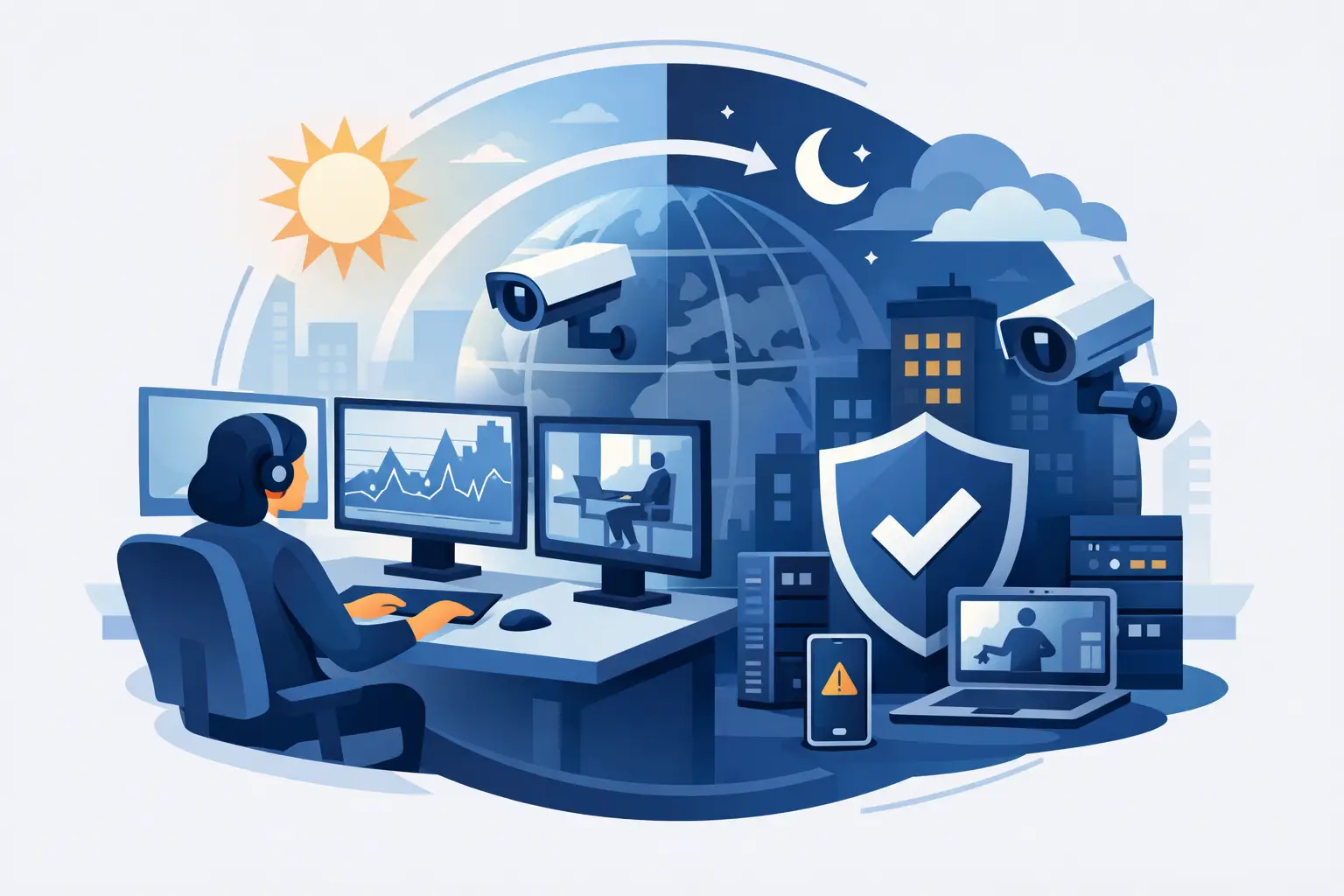
A server can run normally at 5:00 p.m., then fail during a nightly backup, a software update, or a spike in remote access traffic. By the time someone notices the next morning, employees may be unable to work, customers may be waiting, and recovery may take far longer than the original issue required. Why is 24 7 monitoring important? Because business systems do not stop creating risk when the office closes.
For organizations that depend on Microsoft 365, cloud applications, endpoints, servers, networks, and backup systems, continuous oversight turns IT from a reactive expense into a controlled operational function. It gives the business earlier visibility into disruptions, security concerns, capacity issues, and system degradation before they become costly outages.
Why Is 24 7 Monitoring Important for Business Continuity?
Business continuity is not only about responding after a major event. It starts with recognizing small failures while they are still manageable. A full disk, an unreachable device, a failed backup job, or repeated login attempts may not stop the business immediately. Left unaddressed, each can create a larger operational or security problem.
24/7 monitoring tracks the health and availability of critical systems around the clock. When a monitored condition crosses a defined threshold, the right support team receives an alert and can investigate. That may mean resolving an issue remotely, escalating a security concern, or coordinating a response before users report that something is wrong.
This approach reduces the gap between failure and action. In a break-fix model, a problem is often discovered only after an employee submits a ticket or a customer reports an interruption. Continuous monitoring changes that sequence. The issue is identified first, then addressed with the goal of limiting user impact.
For multi-site organizations, that visibility is especially valuable. A network device at a branch office, a server in a small data room, or a cloud service connection can affect one location long before a central office knows there is a problem. Centralized monitoring gives leadership a clearer view of infrastructure health across the business.
Early Detection Protects Productivity and Revenue
Downtime rarely affects only IT. A network outage can interrupt order processing, scheduling, communication, billing, customer service, and access to line-of-business applications. Even a short interruption can create missed deadlines and force staff into manual workarounds.
Monitoring helps identify the conditions that often lead to downtime. It can flag declining storage capacity, high processor usage, offline devices, network latency, failing services, and backup failures. The benefit is not simply receiving more alerts. It is receiving meaningful alerts that allow a support team to prioritize what needs attention.
The right thresholds matter. If every minor fluctuation creates an urgent notification, teams can become overwhelmed by alert noise. If thresholds are too relaxed, real issues can go unnoticed. Effective monitoring is tuned to the systems that matter most, the normal operating patterns of the environment, and the business impact of failure.
This is where a managed IT partner adds operational value. Monitoring data must be reviewed, interpreted, and acted on. A dashboard alone does not restore a failed service or determine whether a device outage is isolated, widespread, or security-related.
Continuous Monitoring Strengthens Cybersecurity
Many cybersecurity incidents do not begin with a dramatic system failure. They begin with an unusual login, an unpatched endpoint, a disabled security control, or suspicious activity that appears minor in isolation. Continuous monitoring provides another layer of visibility when those signs emerge outside normal business hours.
A 24/7 monitoring strategy can support oversight of endpoint health, security tool status, unauthorized changes, network availability, and key system events. When combined with endpoint security, patching, managed detection and response, and Security Operations Center support, it helps organizations move from limited visibility to a more disciplined security posture.
Monitoring is not a replacement for strong security controls. It cannot make weak passwords safe, eliminate phishing risk, or substitute for tested backups. It does, however, help verify that critical controls are functioning and surface signals that require investigation.
The practical goal is faster containment. If a device is behaving abnormally or a security service is no longer reporting correctly, the business has a chance to respond before the issue spreads. That can limit exposure, reduce recovery time, and preserve evidence needed for incident response or compliance review.
Monitoring Makes Backup and Recovery More Reliable
A backup system is only valuable if it can be restored when needed. Too many businesses assume backups are working because the software was installed years ago or because a job appears on a schedule. A failed backup may remain hidden until a server crashes, ransomware strikes, or data is accidentally deleted.
Continuous monitoring can identify failed backup jobs, missed schedules, storage capacity concerns, and communication failures between systems. That creates an opportunity to correct the problem while the original data and systems remain available.
Recovery readiness also depends on more than successful backup notifications. Businesses should define what data is protected, how quickly systems need to be restored, who has authority to initiate recovery, and whether recovery procedures have been tested. Monitoring supports this process by providing ongoing evidence that the backup environment is operating as intended.
For organizations with strict uptime requirements, monitoring should be aligned with disaster recovery planning. Critical services deserve closer oversight and clearer escalation procedures than lower-priority systems. Not every alert needs the same response, but every critical business function needs an owner and a plan.
What Should Be Monitored Around the Clock?
The answer depends on the organization, its technology footprint, and the cost of interruption. A professional services firm may prioritize Microsoft 365 access, email security, file availability, and remote endpoints. A multi-location business may place greater emphasis on internet connections, firewalls, site-to-site connectivity, and local hardware.
Most managed environments benefit from monitoring across these core areas:
- Servers, workstations, and network devices for availability, resource usage, and hardware or service failures.
- Endpoint security and patch status to identify devices that are not properly protected or maintained.
- Backup jobs and storage capacity to catch failures before recovery is required.
- Microsoft 365 and cloud service access to identify disruptions affecting user productivity.
- Internet connections, firewalls, and critical network paths that support day-to-day operations.
The point is not to monitor every available metric. It is to monitor the systems and conditions that would create meaningful business disruption if they failed. A well-designed monitoring plan reflects actual business priorities rather than a generic technical checklist.
The Difference Between Alerts and Accountability
Some businesses have monitoring tools but still lack dependable oversight. Alerts may go to an inbox that no one checks after hours. A former employee may still receive notifications. Several vendors may each monitor a separate part of the environment, leaving no one accountable for the complete picture.
That is the operational gap managed services are designed to close. A single accountable IT partner can connect monitoring with helpdesk support, patching, security management, Microsoft 365 administration, backup oversight, and incident response. Instead of treating each alert as an isolated technical event, the provider can assess how it affects the broader environment and the business.
Clear escalation procedures are essential. Decision-makers should know which events receive immediate attention, which are handled during business hours, how they are documented, and when business leadership is contacted. This structure prevents uncertainty during an outage, when delayed decisions can increase impact.
One Source Datacom applies this model by pairing continuous monitoring and alerting with hands-on support and security oversight. The result is a more organized IT environment where issues are identified, assigned, and addressed with business continuity in mind.
When 24/7 Monitoring May Need a Different Approach
Not every organization requires the same level of monitoring or response coverage. A small office with limited on-premises infrastructure may not need the same escalation model as a company running critical applications across multiple locations. The appropriate service level depends on operating hours, compliance obligations, system dependencies, and the financial impact of downtime.
However, limited after-hours staffing does not eliminate after-hours risk. Cloud services, backups, security controls, and internet connections still need visibility. The more closely technology supports revenue, customer commitments, regulated data, or essential operations, the stronger the case for continuous monitoring and defined response procedures.
A useful next step is to identify the systems that would cause the greatest disruption if unavailable for one hour, one business day, or one week. From there, set monitoring priorities, escalation expectations, and recovery requirements that match the real needs of the business. That creates a practical foundation for uptime, security, and accountable IT operations.