If your internal IT team is stretched thin, the problem usually is not effort. It is coverage. One major outage, a ransomware alert, or a flood of support tickets can pull skilled staff away from strategic work and into constant triage. That is where the question what is co managed IT services becomes practical, not theoretical.
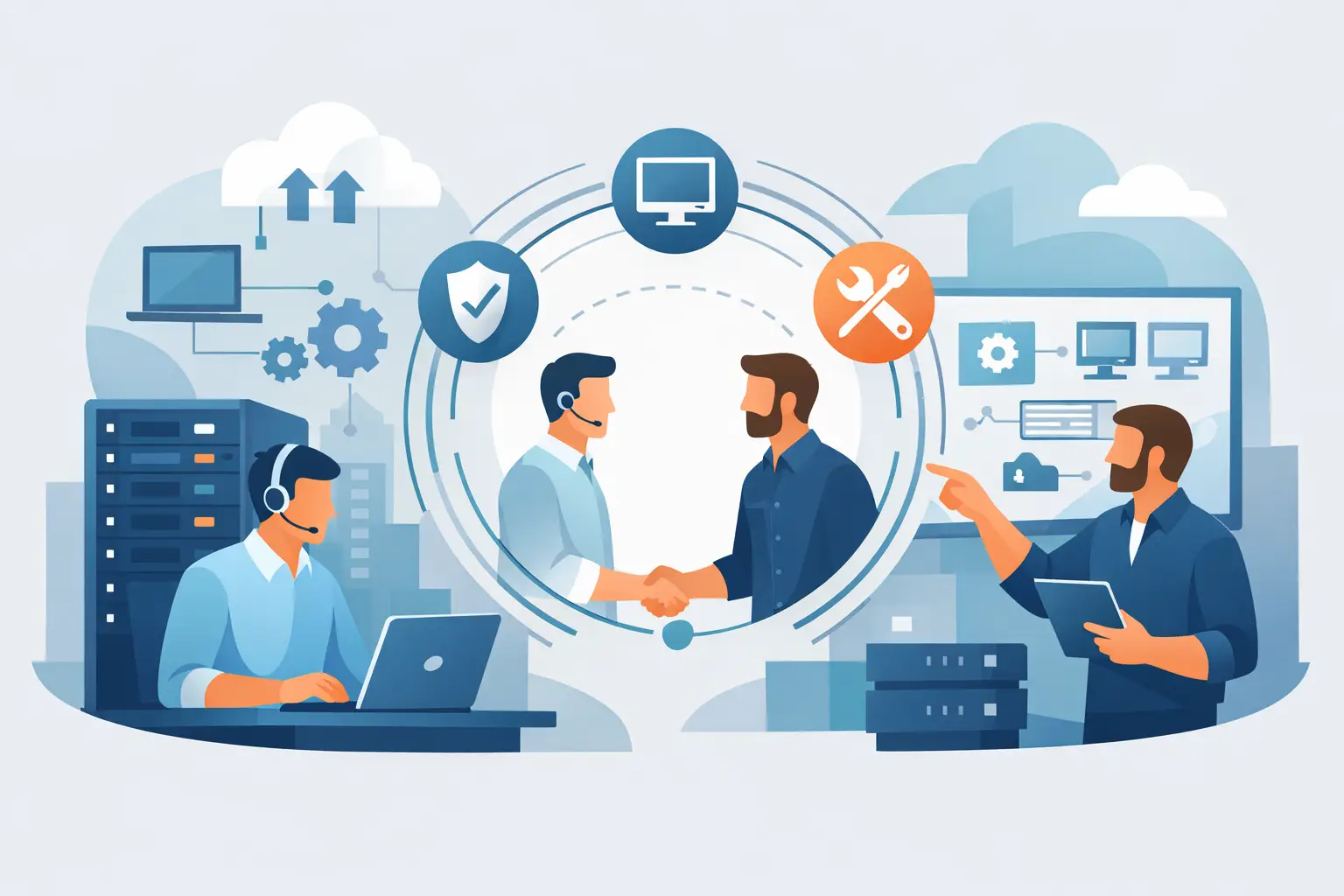
Co-managed IT services is a support model where your internal IT team works alongside an external managed services provider. Instead of replacing your staff, the provider fills operational gaps, adds specialized tools and expertise, and helps create more consistent coverage across support, infrastructure, cybersecurity, patching, backups, and cloud administration. Your team keeps control where it matters. The provider adds capacity, structure, and accountability.
For businesses that rely on stable systems every day, this model often makes more sense than choosing between two extremes: handling everything in-house or fully outsourcing IT.
What Is Co Managed IT Services in Practice?
In practice, co-managed IT is a shared-responsibility model. Your internal team and your outside IT partner divide work based on priorities, skill sets, and business risk.
That division can look different from one company to the next. In one environment, the internal team may own user onboarding, line-of-business applications, and site-specific needs, while the provider handles 24/7 monitoring, endpoint security, patch management, Microsoft 365 administration, and backup oversight. In another, the internal IT manager may retain strategic control while the provider serves as the helpdesk, escalation point, and cybersecurity layer.
The point is not to force a rigid service package. The point is to build a clear operating model that strengthens uptime and reduces unmanaged risk.
A good co-managed arrangement should answer a few basic questions early. Who handles tickets? Who monitors alerts after hours? Who is responsible for patch compliance? Who owns backup verification? Who responds first during a security incident? If those answers are unclear, gaps appear fast.
Why Businesses Choose Co-Managed IT Services
Most companies do not move to co-managed IT because their internal team is failing. They do it because business demands outgrow the capacity of a small or mid-sized IT department.
An internal team may be excellent at supporting users and understanding business workflows, but still lack the time or toolset to maintain always-on monitoring, coordinated incident response, vulnerability management, and security operations. The result is a familiar pattern: critical maintenance gets delayed, documentation falls behind, and recurring issues absorb more time than they should.
Co-managed IT helps solve that by adding operational depth. It gives businesses access to broader support coverage, more mature monitoring, stronger security processes, and a more disciplined approach to maintenance.
It also helps with continuity. If one internal administrator is out, leaves the company, or becomes overloaded, the entire environment should not become harder to manage. Shared ownership reduces that key-person dependency.
What Co-Managed IT Usually Includes
The services included depend on the provider and the client environment, but most co-managed IT relationships center on a few operational categories.
Day-to-day support is often the first pressure point. Some businesses need a provider to act as overflow helpdesk support when internal staff cannot keep up. Others want the provider to handle first-line tickets entirely so the in-house team can focus on projects, vendor coordination, and business-facing initiatives.
Monitoring and alerting are another common area. Servers, workstations, network devices, backup jobs, and cloud systems all generate signals that need review and action. A co-managed partner can provide round-the-clock monitoring so problems are caught before they become outages.
Patching and maintenance are also central. Systems do not stay stable by accident. Operating system updates, firmware reviews, third-party application patching, and routine maintenance all require follow-through. When that work slips, both security and reliability suffer.
Security is often where co-managed IT delivers the most immediate value. Endpoint protection, email security, account controls, vulnerability review, response planning, and security monitoring require specialized attention. Many internal teams can manage parts of this, but not always at the level of consistency needed to reduce risk across the full environment.
Cloud and Microsoft 365 administration also fit naturally into this model. User changes, license management, policy administration, mailbox issues, access reviews, and tenant security settings all create workload. Sharing that responsibility can improve response time and reduce configuration drift.
What Co Managed IT Services Is Not
It is not the same as fully outsourcing IT. In a fully managed model, the provider usually becomes the primary IT function. In a co-managed model, your internal team remains involved and often retains ownership of business-specific systems, internal planning, and technology decisions.
It is also not just staff augmentation. Adding a contractor can help with short-term workload, but co-managed IT is broader. It typically includes tools, documented processes, service accountability, coverage expectations, and recurring oversight.
And it is not a license for role confusion. If both sides assume the other is handling backups, user security training, or after-hours escalation, the model breaks down. Co-managed IT works when responsibilities are defined and reviewed.
When Co-Managed IT Makes Sense
This model makes sense when your company has internal IT capability but needs stronger operational support around it.
That often includes businesses with a lean IT team supporting multiple sites, organizations adopting more cloud services without adding headcount, or companies facing higher cybersecurity and compliance demands. It also fits businesses where internal staff are spending too much time on tickets and not enough time on planning, standardization, or infrastructure improvement.
There are trade-offs. If your internal team strongly prefers full control and resists outside process discipline, the partnership can stall. If leadership wants co-managed support but is unwilling to define ownership, expectations, and escalation paths, value will be limited. This is a shared model, so both sides need to operate with clarity.
The Benefits for Internal IT and the Business
For internal IT, the biggest benefit is usually focus. When monitoring, patching, after-hours alerts, or ticket overflow are shared with a reliable partner, in-house staff can spend more time on projects that improve the environment instead of reacting to constant noise.
For leadership, the benefit is more control over business risk. Systems are watched more consistently. Support becomes more predictable. Security controls are easier to maintain. It is also easier to understand who is accountable for what.
The financial case can be strong as well. Hiring multiple specialized roles internally is expensive and slow. Co-managed IT gives businesses access to broader operational support without building a full bench of specialists on payroll.
That said, cost should not be the only reason to choose it. The real value comes from operational maturity – better processes, stronger coverage, and fewer points of failure.
How to Evaluate a Co-Managed IT Partner
If you are considering this model, the first thing to look for is willingness to work within a defined shared-responsibility structure. A provider should be able to explain exactly how they engage with internal IT, where they add value, and how responsibilities are documented.
You should also look closely at service depth. Monitoring without response is limited. Security tools without operational follow-through are limited. Helpdesk support without escalation discipline is limited. The provider should be able to connect services directly to business outcomes like uptime, issue resolution, and risk reduction.
Ask practical questions. How are alerts triaged? What is covered after hours? How are patching windows handled? Who manages Microsoft 365 security settings? How are backups reviewed and tested? What does incident response look like when internal and external teams are both involved?
Strong co-managed IT relationships are built on transparency. Reporting, documentation, and communication matter just as much as the technical stack.
Building the Right Operating Model
The best co-managed IT arrangements start with an honest assessment of what your internal team should own and what should be shared or offloaded. Not every task needs external support. Not every internal responsibility should stay in-house either.
A practical starting point is to identify the areas where inconsistency creates business risk. That may be patching, backup oversight, endpoint security, after-hours monitoring, Microsoft 365 administration, or general support coverage. Once those gaps are visible, the service model can be built around them.
This is where a structured provider can make a real difference. One Source Datacom, for example, approaches managed oversight with a focus on continuous operations, user support, infrastructure health, and security accountability. That kind of operational discipline matters in co-managed environments because shared responsibility only works when both sides know what good looks like.
The strongest co-managed IT model does not sideline your internal team. It gives them backup, better tools, and room to operate at a higher level. If your business depends on reliable systems, secure access, and clear ownership, that is often the difference between getting by and staying ahead.
The right question is not whether your team can keep carrying the load alone. It is whether your IT model is built to support the business you are running now.