
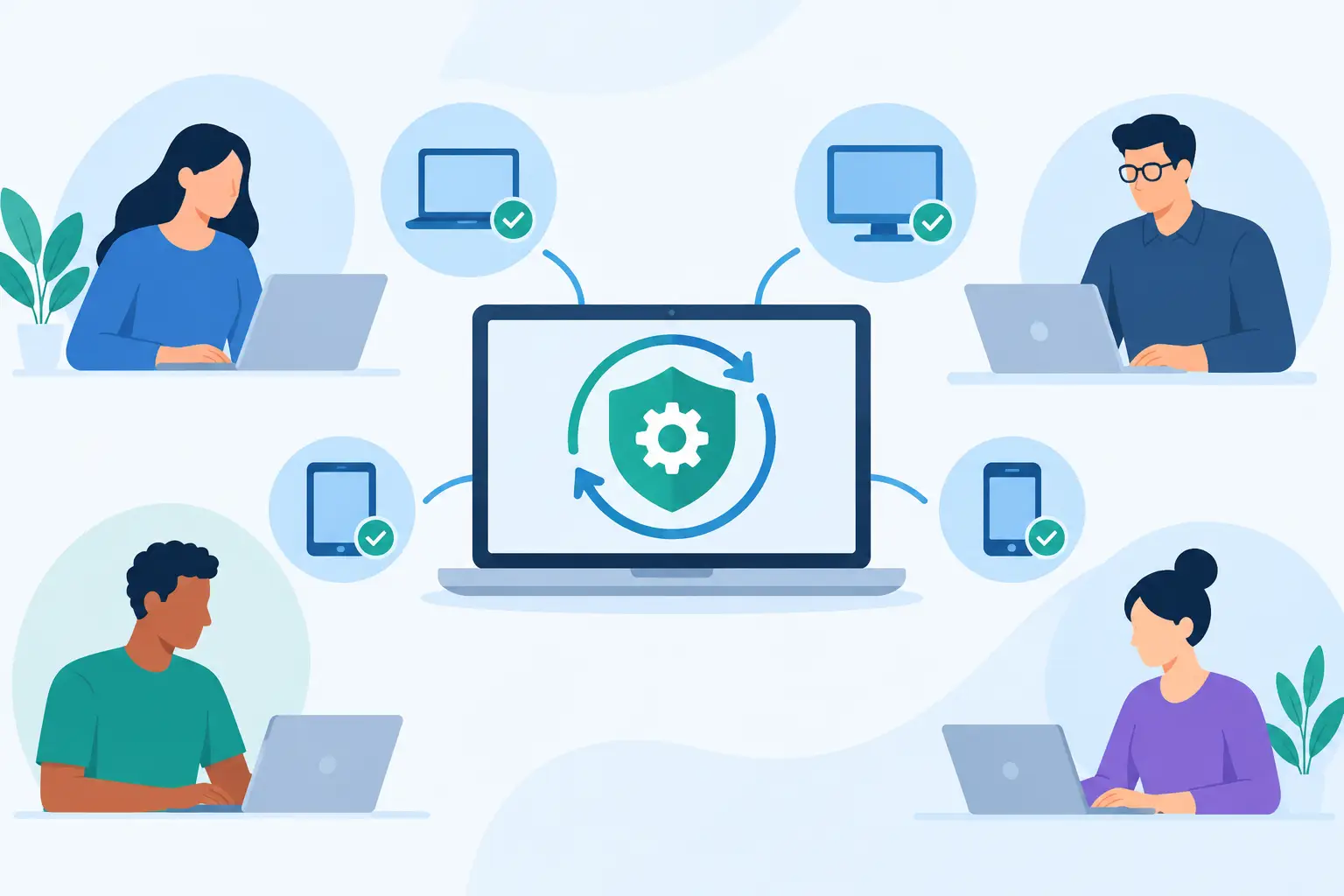
A missed update on one workstation can become a security incident that disrupts an entire business. Learning how to standardize endpoint patching gives IT leaders a controlled way to close known vulnerabilities, reduce inconsistent configurations, and keep users productive without turning every update cycle into an emergency.
For businesses with multiple locations, remote employees, and a mix of devices, patching cannot depend on individual administrators remembering what needs attention. It needs a repeatable operating process with clear ownership, defined timelines, testing, automation, and reporting that management can understand.
Why Endpoint Patching Becomes Inconsistent
Most patching problems do not begin with a lack of available tools. They begin with a lack of structure. One department may install updates immediately, another may wait for user complaints, and remote devices may go weeks without connecting to the network. The result is an uneven environment where the organization cannot confidently answer a basic security question: which systems are fully patched right now?
Endpoint patching also reaches beyond Windows updates. A complete process includes operating systems, browsers, Microsoft 365 applications, third-party software, device drivers when appropriate, and endpoint security tools. Attackers frequently target common business applications because they know organizations often focus only on operating system patches.
Standardization creates one approved method for identifying, testing, deploying, and confirming updates. That consistency reduces risk while giving users and leadership more predictable expectations around maintenance and restart windows.
How to Standardize Endpoint Patching with a Baseline
Start by defining what a properly managed endpoint looks like. This baseline should apply to company-owned desktops, laptops, and any other devices that access business systems or sensitive data. If personal devices are permitted, they should be governed by a separate access policy with clear security requirements.
Your baseline should identify the approved operating systems and supported versions, required endpoint protection, disk encryption status, device management enrollment, local administrator controls, and patch compliance expectations. Devices that cannot meet the baseline should not be treated as normal exceptions. They need a remediation plan, replacement timeline, or restricted access.
A patching standard should also establish deadlines based on risk. Critical security updates may require deployment within days, while routine application updates can follow a scheduled monthly cycle. The right deadlines depend on your industry, compliance obligations, operational hours, and tolerance for disruption. A company handling regulated data or operating around the clock may need faster deployment and more detailed change controls than a small office with a predictable maintenance window.
Document four core decisions so the process remains consistent even when staffing changes:
- Which devices, operating systems, and applications are covered by patch management
- Who approves patches, monitors deployment, and resolves failed installations
- How quickly critical, high-priority, and routine patches must be applied
- When maintenance windows, restarts, and user communications will occur
The goal is not to create paperwork for its own sake. It is to prevent uncertainty during a vulnerability event, when unclear responsibilities can cost valuable time.
Build an Accurate Endpoint Inventory
No patching policy can succeed if the business does not know what it owns. A current endpoint inventory is the operating foundation for every patch cycle. It should show the device owner, location, operating system version, management status, installed software, security status, and last check-in time.
This is especially important for hybrid workforces. A laptop that has not connected to management tools for 30 days may be powered off, misplaced, retired, or actively used without receiving updates. Each possibility carries a different operational risk. Establish a process for investigating inactive devices rather than allowing them to disappear from reports.
Inventory data should also separate endpoints into functional groups. Finance devices, executive systems, shared kiosks, remote laptops, and line-of-business workstations may require different scheduling and testing considerations. Grouping devices does not mean applying inconsistent security standards. It means deploying updates in a way that respects business operations.
Test Before Broad Deployment
Patches solve known problems, but they can occasionally introduce new ones. A poorly timed update can affect a specialized application, printer workflow, VPN connection, or device driver. That is why a staged deployment model is more dependable than pushing every update to every endpoint at once.
Use a small pilot group that represents the systems used across the business. Include users from different departments, device models, operating system versions, and key applications. IT staff and technically capable users often make good pilot participants because they can identify issues quickly and provide useful details.
After the pilot group receives updates, monitor for installation failures, performance concerns, application errors, and unexpected restarts. For routine patches, this testing period may be brief. For major feature updates or changes affecting critical business applications, allow more time and involve the application owner before wider deployment.
Testing should be disciplined, but it should not become an excuse to delay every patch indefinitely. Known critical vulnerabilities require a faster decision cycle. When risk is high, the choice may be between a controlled maintenance interruption and an uncontrolled security incident.
Automate Deployment and Recovery
Manual patching does not scale well, particularly when users work from multiple sites or from home. Centralized patch management allows IT teams to schedule deployments, apply updates by device group, enforce restart policies, and receive alerts when installations fail.
Automation should handle the routine work, while people oversee exceptions and business impact. For example, updates can be scheduled after business hours, with reminders sent to users whose laptops need to remain powered on. Devices that miss the first window can receive a follow-up deployment during the next approved period.
Restart management deserves special attention. Updates that remain pending after installation can leave systems exposed or unstable. Set reasonable restart deadlines, provide advance user notices, and allow limited deferrals when work cannot be interrupted. Unlimited deferrals undermine the entire patching process, so exceptions must be approved and tracked.
Reliable patching also includes recovery planning. Maintain verified backups for critical systems, document rollback procedures where available, and know how to isolate a device if an update causes a serious issue. A standardized process is not about assuming every deployment will go perfectly. It is about responding consistently when one does not.
Manage Exceptions Without Creating Blind Spots
Some systems cannot follow a standard patch schedule. A manufacturing workstation, legacy application server, medical device interface, or specialized point-of-sale system may depend on software that requires vendor approval before updates are installed. These cases are real, but they must be managed as documented exceptions, not ignored.
For every exception, record the reason, responsible owner, compensating controls, review date, and planned resolution. Compensating controls may include restricted network access, stronger monitoring, application allowlisting, enhanced endpoint security, or separating the system from more sensitive resources.
Exceptions should expire unless they are actively renewed. Otherwise, a temporary delay becomes a permanent vulnerability that no one remembers approving.
Measure Compliance and Act on the Results
A patching program is only as effective as its reporting. Leadership does not need a long list of technical patch IDs. They need clear visibility into whether endpoints are protected, where exposure remains, and what actions are underway.
Track patch compliance by device group and risk level. Useful measures include the percentage of endpoints patched within the required timeline, devices that have not checked in recently, failed installations, overdue restarts, unsupported operating systems, and open exceptions. Review these results on a regular schedule, with faster review during active security events.
Avoid treating a single compliance percentage as the whole story. A 95 percent patch rate may look strong until the remaining 5 percent includes executive laptops, finance workstations, or systems with access to sensitive data. Reports should make high-risk gaps visible and assign ownership for remediation.
A managed IT partner can add value here by providing continuous monitoring, patch deployment oversight, endpoint security coordination, and clear reporting across locations. The business gains a single accountable process rather than relying on disconnected tools and informal follow-up.
The practical next step is to compare your current endpoint list, patch deadlines, and exception records against the standard you expect to enforce. Any gap between what the policy says and what the environment actually shows is where operational risk is waiting.