
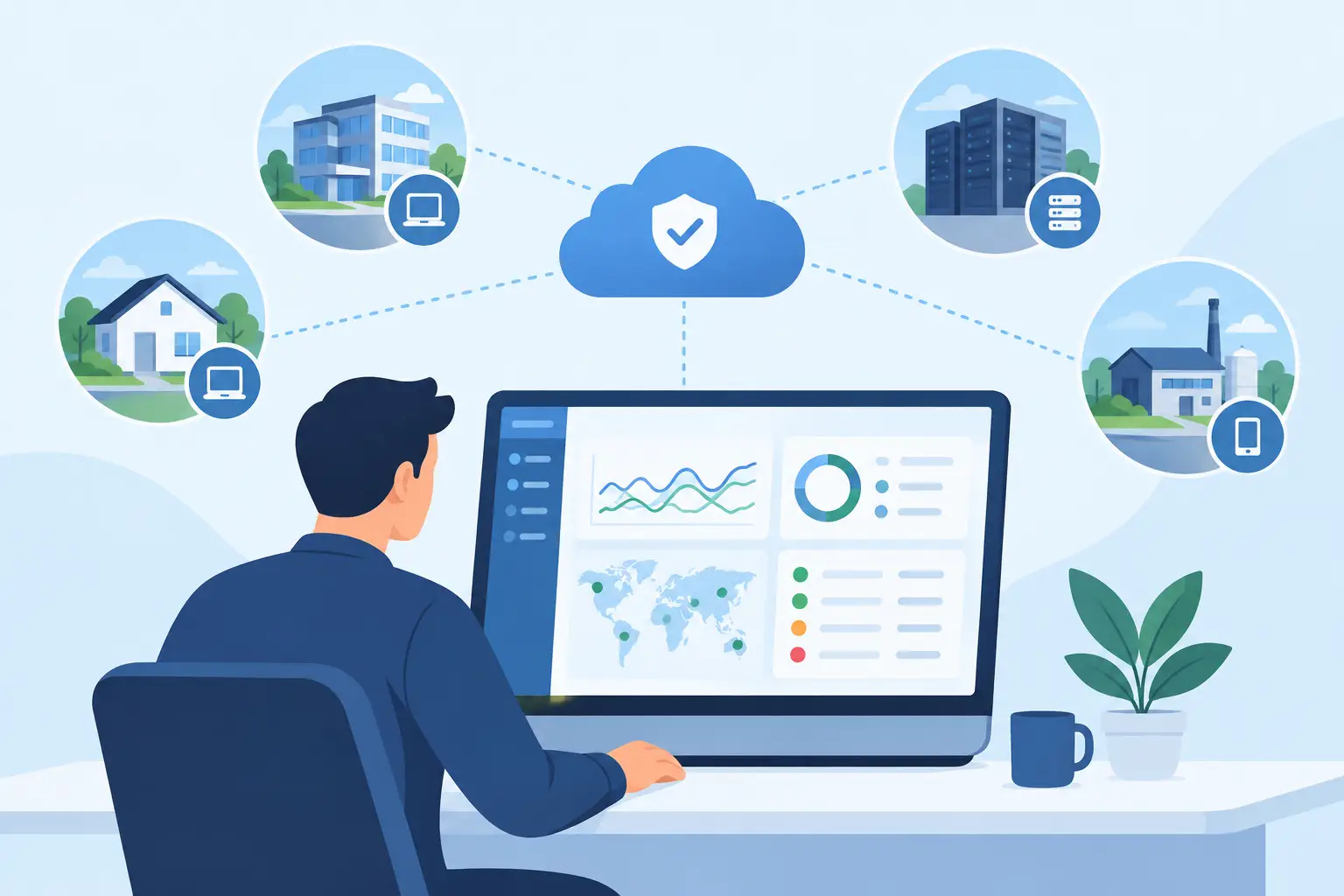
A missed server alert, an unpatched laptop, or a backup job that silently fails can become an expensive business interruption. The top remote monitoring management platforms give IT teams and managed service providers a central way to see those risks early, respond quickly, and maintain consistent standards across endpoints, servers, and networks.
For businesses that rely on Microsoft 365, cloud applications, line-of-business systems, and distributed users, remote monitoring and management is not simply a support tool. It is an operating discipline. The right platform helps keep routine maintenance from being missed while giving decision-makers clearer visibility into system health, security exposure, and recurring issues.
What Remote Monitoring Management Platforms Should Deliver
A remote monitoring and management platform, often called RMM software, allows IT personnel to monitor devices, automate routine tasks, deploy patches, access systems remotely, and receive alerts when conditions fall outside acceptable thresholds. That may include low disk space, offline endpoints, failed backups, overdue updates, service outages, or security-related events.
For a small or mid-sized business, the value is not in collecting more alerts. It is in turning alerts into accountable action. A useful platform must help the support team distinguish a minor warning from an event that threatens operations. It should also create a consistent record of what was detected, what was done, and whether the issue was fully resolved.
The strongest platforms support several operational priorities at once: endpoint visibility, patch management, remote support, automation, reporting, and integration with security or service desk tools. No product handles each area equally well. The best choice depends on your environment, internal IT capabilities, compliance requirements, and whether an MSP manages your systems.
Top Remote Monitoring Management Platforms to Consider
NinjaOne
NinjaOne is widely used by managed service providers and internal IT teams that want a clean interface and straightforward endpoint management. It combines monitoring, patching, remote access, scripting, documentation capabilities, and ticketing integrations in a platform designed for day-to-day operational work.
Its main advantage is usability. Teams can move quickly from an alert to a device record, remote session, script, or remediation task without excessive administrative overhead. That makes it a practical choice for organizations seeking a modern RMM experience without assigning a large internal team to platform maintenance.
The trade-off is that businesses with highly specialized workflows or complex legacy infrastructure may need to validate integrations and reporting depth before committing. A proof of concept should reflect your actual device mix, not a simplified test environment.
N-able N-central
N-able N-central is built for organizations and service providers that need detailed monitoring policies, automation, and broad infrastructure oversight. It is often a strong fit for environments with servers, network equipment, multi-site operations, and a need for granular alerting rules.
The platform can provide substantial control, particularly for teams that have established processes for escalation, maintenance windows, and device classifications. That control has a cost: configuration takes planning. Without clear alert thresholds and ownership rules, a powerful monitoring tool can produce too much noise.
N-central is worth considering when structured operations matter more than a quick setup. It is especially relevant for businesses that need a managed environment with consistent monitoring standards across locations.
Datto RMM
Datto RMM is commonly evaluated by MSPs that want remote monitoring, patching, automation, and remote control in one operational platform. It can support large endpoint estates and includes policy-based management intended to standardize routine work across client or department groups.
For businesses, its appeal is often the ability to support a proactive service model. Rather than waiting for users to report a problem, IT teams can identify devices that are out of compliance, low on resources, or missing critical updates. This is most effective when the RMM platform is paired with defined response times and regular service reviews.
Organizations should assess how Datto RMM fits with their existing backup, security, and ticketing tools. A platform may be capable on its own, but fragmented processes can still leave gaps in accountability.
Kaseya VSA
Kaseya VSA provides endpoint management, automation, monitoring, patching, and remote control capabilities for IT departments and managed service providers. It is frequently considered by teams looking for broad management functions and an ecosystem of related IT operations tools.
Its flexibility can be valuable for organizations with mature IT processes, particularly where automation and standardized policies are priorities. However, broad capability also requires careful administration. Businesses should confirm that the team responsible for the platform has the time and experience to maintain policies, permissions, scripts, and integrations.
When evaluating VSA, focus on operational fit rather than feature count. Ask how alerts will be routed, how patches will be approved, who can initiate remote access, and how exceptions will be documented.
ConnectWise Automate
ConnectWise Automate is designed for detailed monitoring and automation, with a long history in managed services environments. It can be effective for teams that want significant customization and have the technical resources to build and maintain their own workflows.
The platform is often best suited to MSPs or internal IT teams with established service desk procedures and a need to manage many devices through tailored scripts and policies. Its flexibility can support sophisticated operations, but it may be more than a smaller organization needs if simplicity and speed are the primary goals.
A business evaluating ConnectWise Automate should look beyond the software interface. The real question is whether its provider or internal team can configure it consistently enough to deliver timely, reliable outcomes.
Atera
Atera combines RMM capabilities with professional services automation features and is often considered by smaller IT teams and MSPs that want an accessible, consolidated platform. It supports monitoring, remote management, ticketing, and workflow functions in a model intended to simplify service delivery.
It can be a sensible option for lean teams that need to establish repeatable support practices without managing several disconnected tools. As an organization grows, however, it should test whether the platform’s monitoring depth, reporting, and automation options meet expanding requirements.
Atera may be a good operational starting point, but growth plans matter. A platform that fits 100 endpoints may not be the right choice for a multi-site environment with servers, specialized equipment, and formal compliance needs.
ManageEngine Endpoint Central
ManageEngine Endpoint Central focuses heavily on endpoint management, patching, software deployment, configuration control, and device administration. It is a strong candidate for internal IT departments that need disciplined management of Windows, macOS, Linux, and mobile devices.
For organizations that prioritize standardization, Endpoint Central can help reduce configuration drift and improve patch compliance. It may be particularly useful where internal IT retains direct responsibility for device management rather than outsourcing most support functions.
Its strengths are most apparent when the business has clear policies around approved software, user permissions, update schedules, and device lifecycle management. Technology alone cannot enforce standards that leadership has not defined.
How to Choose an RMM Platform Without Creating More Work
Start with the operational outcomes you need. If your primary concern is faster user support, remote access and service desk integration may carry the most weight. If downtime and security exposure are the larger risks, prioritize alert quality, patch verification, endpoint visibility, and security integrations.
Next, evaluate the platform against your real environment. Include laptops that leave the office, servers that support critical workloads, network devices, remote employees, Microsoft 365 dependencies, backup systems, and any specialized applications. A product demonstration rarely reveals how well a tool handles the exceptions that consume the most IT time.
Alert management deserves close attention. Ask which alerts are actionable, how duplicate notifications are suppressed, and how the system verifies recovery after remediation. An alert that generates a ticket but does not confirm the underlying service is restored does not provide reliable operational control.
Security controls should also be part of the selection process. Review role-based access, multifactor authentication, audit logging, remote access permissions, and integration options for endpoint detection and response. Because an RMM platform has broad administrative access, it must be managed as a high-value security system.
Finally, clarify ownership. Some businesses purchase software expecting it to solve monitoring gaps, then find that no one is consistently reviewing alerts, approving patches, or maintaining automation. One Source Datacom approaches monitoring as an accountable managed function, combining continuous oversight with support, patching, endpoint security, backup awareness, and clear escalation paths.
The Platform Is Only Part of the Control Layer
The right RMM platform can reduce blind spots, shorten response times, and make IT maintenance more consistent. But its business value comes from the people and processes behind it: defined thresholds, tested escalation procedures, disciplined patching, documented exceptions, and regular review of recurring risks.
Before selecting a platform, document the systems your business cannot afford to lose and determine who is responsible when an alert occurs at 2:00 a.m. That exercise will often make the right technology choice much clearer.