
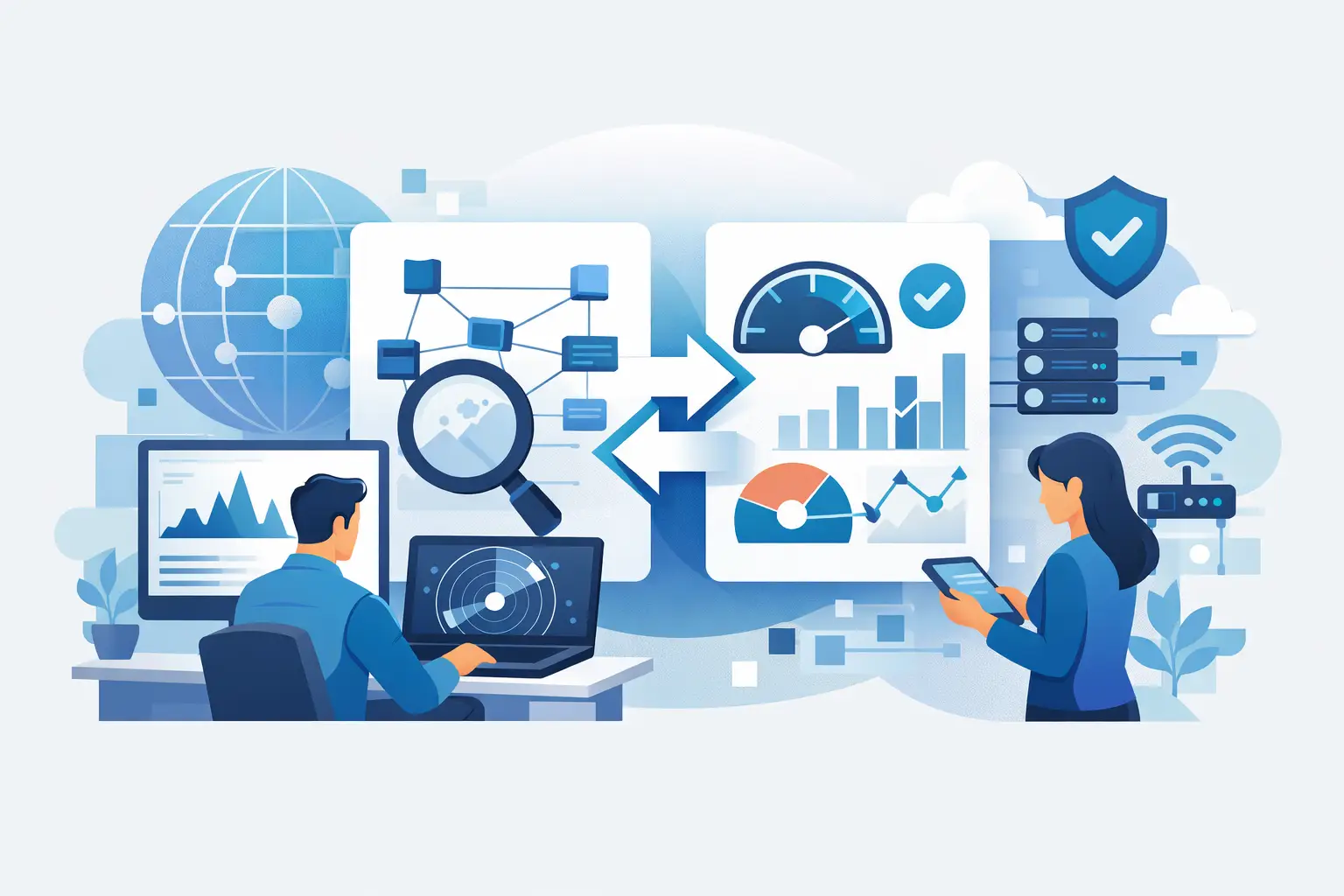
A network monitoring tools comparison should start with a business question, not a feature checklist: when a critical system slows down or fails, how quickly can your team identify the cause and restore service? For organizations that depend on cloud applications, Microsoft 365, servers, endpoints, and multiple locations, the right platform provides the visibility needed to protect uptime. The wrong one creates more alerts, more gaps, and more work for already busy IT staff.
The best choice depends on the size and complexity of your environment, the skills available to manage the platform, and the level of response required after an alert appears. A monitoring tool can show that a problem exists. A managed IT partner can help ensure that someone owns the response.
What Network Monitoring Should Cover
Business networks no longer end at a server room. Users may work from several offices, home locations, or customer sites. Applications can run in Microsoft 365, public cloud platforms, on-premises servers, or a mix of all three. Monitoring must account for that reality.
At a minimum, a useful platform should track network availability, bandwidth use, device health, server performance, and service status. It should tell your team whether a firewall is offline, a switch port is saturated, a wireless access point is overloaded, or a server is running out of storage before users report a problem.
For operationally mature businesses, visibility should extend beyond basic up-or-down checks. Look for monitoring that can measure latency, packet loss, CPU and memory utilization, backup status, application response times, and internet circuit performance. These details help distinguish between a local device issue, an ISP outage, a cloud-service problem, and a larger infrastructure event.
Monitoring also has security value. An unexpected device, unusual traffic pattern, repeated authentication failures, or a disabled security control may require investigation. Network monitoring is not a replacement for endpoint security, managed detection and response, or a Security Operations Center. It is one important source of operational and security context.
Network Monitoring Tools Comparison: Key Categories
Most products fall into a few practical categories. Comparing tools within the right category prevents a common purchasing mistake: selecting an enterprise platform that requires more administration than your team can support, or choosing a lightweight tool that cannot keep pace with a growing environment.
All-in-one infrastructure monitoring
Platforms such as PRTG Network Monitor and SolarWinds Network Performance Monitor are designed for organizations that need broad visibility across network devices, servers, applications, and services. They can use standard protocols such as SNMP, WMI, and NetFlow to collect performance data from a wide range of equipment.
Their advantage is depth. Internal IT teams can build custom dashboards, establish performance baselines, and investigate detailed infrastructure issues from one console. This can be a strong fit for companies with dedicated administrators and a significant on-premises footprint.
The trade-off is administration. These platforms require careful setup, alert tuning, ongoing maintenance, and people who understand what the collected data means. Without ownership and discipline, they can become expensive alert generators rather than effective operational tools.
Cloud-based observability platforms
Datadog is a well-known example of a cloud-focused monitoring platform. It is particularly useful for organizations with cloud workloads, distributed applications, containers, and development teams that need to connect infrastructure performance with application behavior.
Cloud observability tools can provide flexible dashboards and extensive integrations. They are often well suited to businesses that need to monitor dynamic environments where resources are created, changed, or retired frequently.
Cost management requires close attention. Pricing can expand as more hosts, metrics, logs, and integrations are added. For a business primarily concerned with office networks, firewalls, switches, endpoints, and standard business applications, a broad observability platform may offer more capability than necessary.
Managed-service-focused monitoring platforms
LogicMonitor and similar platforms are commonly used by managed service providers because they support multi-client oversight, centralized dashboards, automated discovery, and scalable alerting. These tools are built for teams responsible for many sites, devices, and customer environments.
For businesses, the value is often not in directly operating the platform. It is in having continuous monitoring supported by a team that can triage alerts, document recurring issues, and take corrective action. This model is especially useful when internal IT personnel are focused on business projects, user support, or compliance requirements rather than round-the-clock infrastructure watch.
The limitation is that the platform alone does not define service quality. Ask who reviews alerts, what is included in remediation, how after-hours incidents are handled, and how performance findings are communicated. Technology and accountability need to work together.
Network management and mapping tools
Auvik focuses heavily on network visibility, automated mapping, configuration backups, and remote management. It can be a practical choice for distributed offices and businesses that need a clearer understanding of how network devices connect and where failures may be occurring.
This category is valuable when network documentation is incomplete or outdated. Automated topology maps and configuration tracking can reduce the time needed to diagnose an outage or prepare for a device replacement.
However, network-centric tools may not provide the same depth of server, application, endpoint, or security monitoring as a more comprehensive infrastructure platform. They work best as part of a broader managed environment rather than as the only operational control.
Compare the Response Model, Not Just the Dashboard
A polished dashboard is useful, but dashboards do not resolve incidents. During a network monitoring tools comparison, decision-makers should focus on what happens after a threshold is crossed.
Start with alert quality. Can the tool suppress duplicate alerts during a known outage? Can it identify dependencies so a team sees the root issue rather than 30 downstream symptoms? Can thresholds be based on normal operating patterns instead of generic defaults? Alert fatigue is one of the fastest ways to miss a real problem.
Next, evaluate escalation. A low-priority capacity warning may be appropriate during business hours. A failed firewall, unavailable internet circuit, or failed backup may need immediate action. The platform should support clear severity levels, routing rules, and documented response expectations.
Finally, consider reporting. Leadership does not need a page of raw device statistics. They need clear answers: What interrupted service? How often did it happen? What risks were identified? What corrective work is planned? Monitoring data should support decisions about upgrades, lifecycle planning, security controls, and continuity investments.
Questions to Ask Before Selecting a Tool
Before committing to a platform or managed monitoring service, establish the outcomes you expect. These questions will expose gaps quickly:
- Which systems must be monitored 24/7, and which can wait until business hours?
- Do we need visibility across multiple offices, cloud services, remote users, and third-party internet connections?
- Who will tune alerts, investigate events, and make changes after an issue is found?
- Can the tool monitor backups, security controls, and critical business applications alongside network devices?
- How will we measure value: fewer outages, faster restoration, improved capacity planning, or better audit readiness?
Also ask about implementation. Monitoring is only as reliable as its coverage. Every firewall, switch, server, wireless access point, internet connection, and critical service should be identified and assigned an owner. If the inventory is incomplete, the monitoring plan will be incomplete as well.
Selecting the Right Operational Fit
A smaller business with a simple network may benefit from targeted monitoring and a managed response team rather than purchasing a complex enterprise platform. A multi-site organization with internal IT staff may need detailed network mapping, centralized dashboards, and clearly defined escalation procedures. Companies with cloud-native applications may need observability capabilities that extend further into application performance and logs.
There is no single best tool for every environment. The right decision is the one that gives your organization timely visibility without creating an unmanageable administrative burden. It should support your security strategy, fit your infrastructure roadmap, and provide a clear path from detection to resolution.
One Source Datacom approaches monitoring as part of a continuously managed IT environment, supported by alerting, maintenance, security oversight, backup management, and responsive support. That broader accountability matters because uptime is not protected by a dashboard alone. It is protected by consistent attention, documented processes, and action before a small issue becomes a business interruption.
Choose monitoring that gives your business more than alerts. Choose a model that gives you clear ownership when systems need attention.